

What’s New:
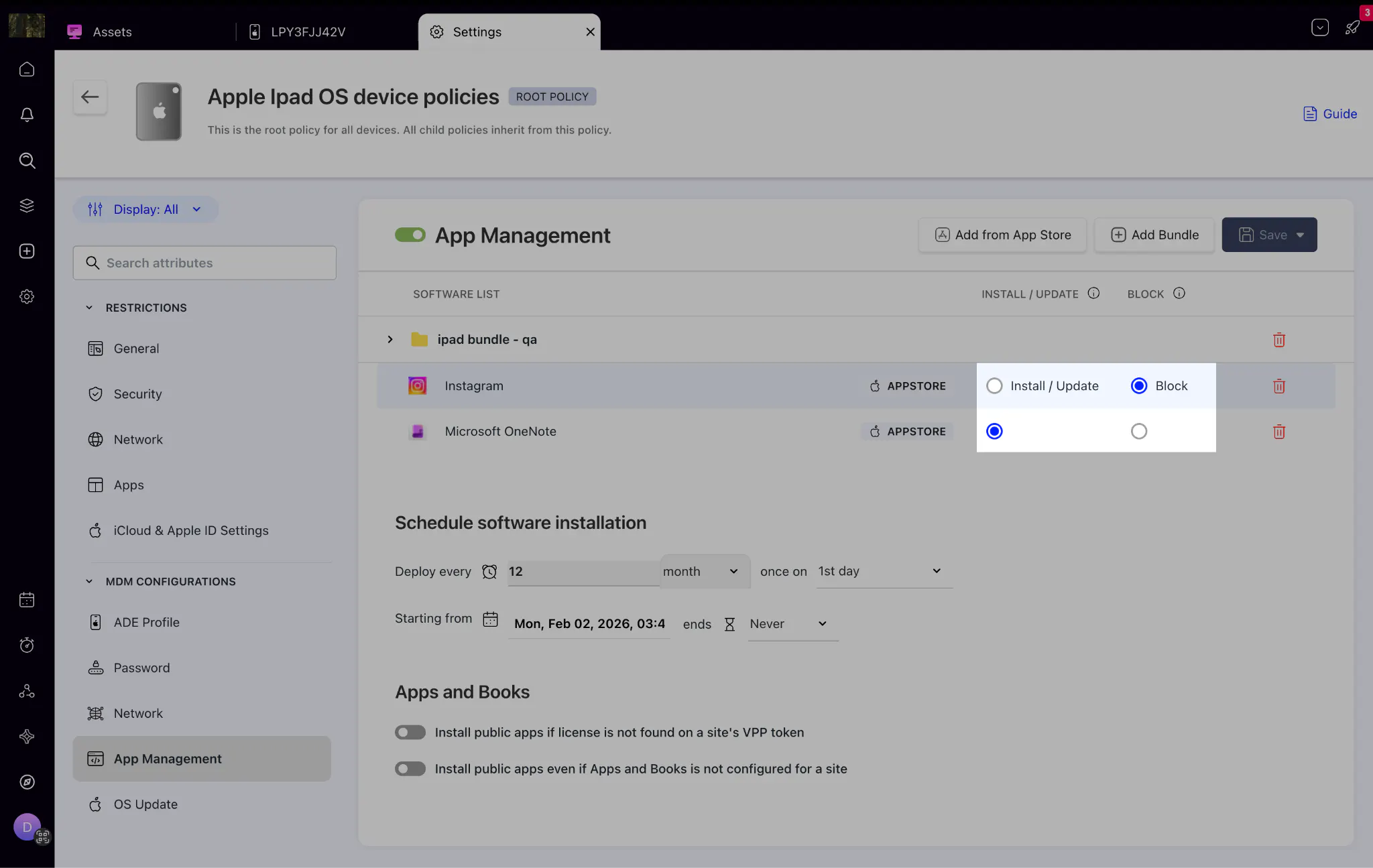
Sales Orders:
Sales Orders is a new module that sits between an approved quote and the final invoice. You can convert any approved quote to a Sales Order in one click, assign it to a technician, fulfill line items individually as they are delivered, and generate invoices directly from the order. This ensures nothing falls through the gap between a signed-off quote and actual delivery.
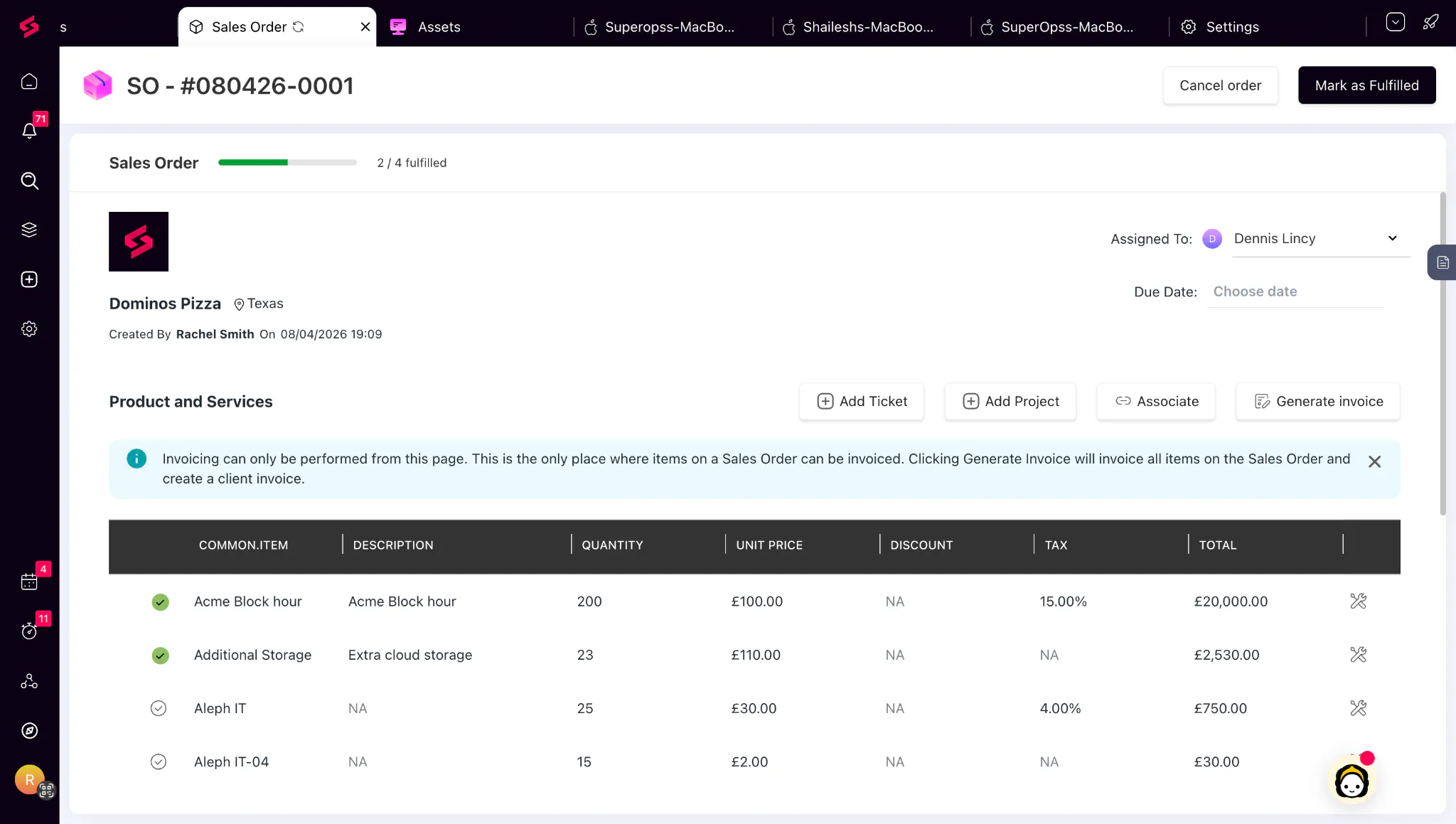
Mac MDM:
Mac MDM brings Apple device management into SuperOps, so you can manage your entire device fleet from one place. You can enroll devices without manual setup, push OS updates without admin credentials, enforce security policies, and monitor device status in real time. This helps you reduce manual effort, maintain compliance, and stay in control of all managed Mac devices.
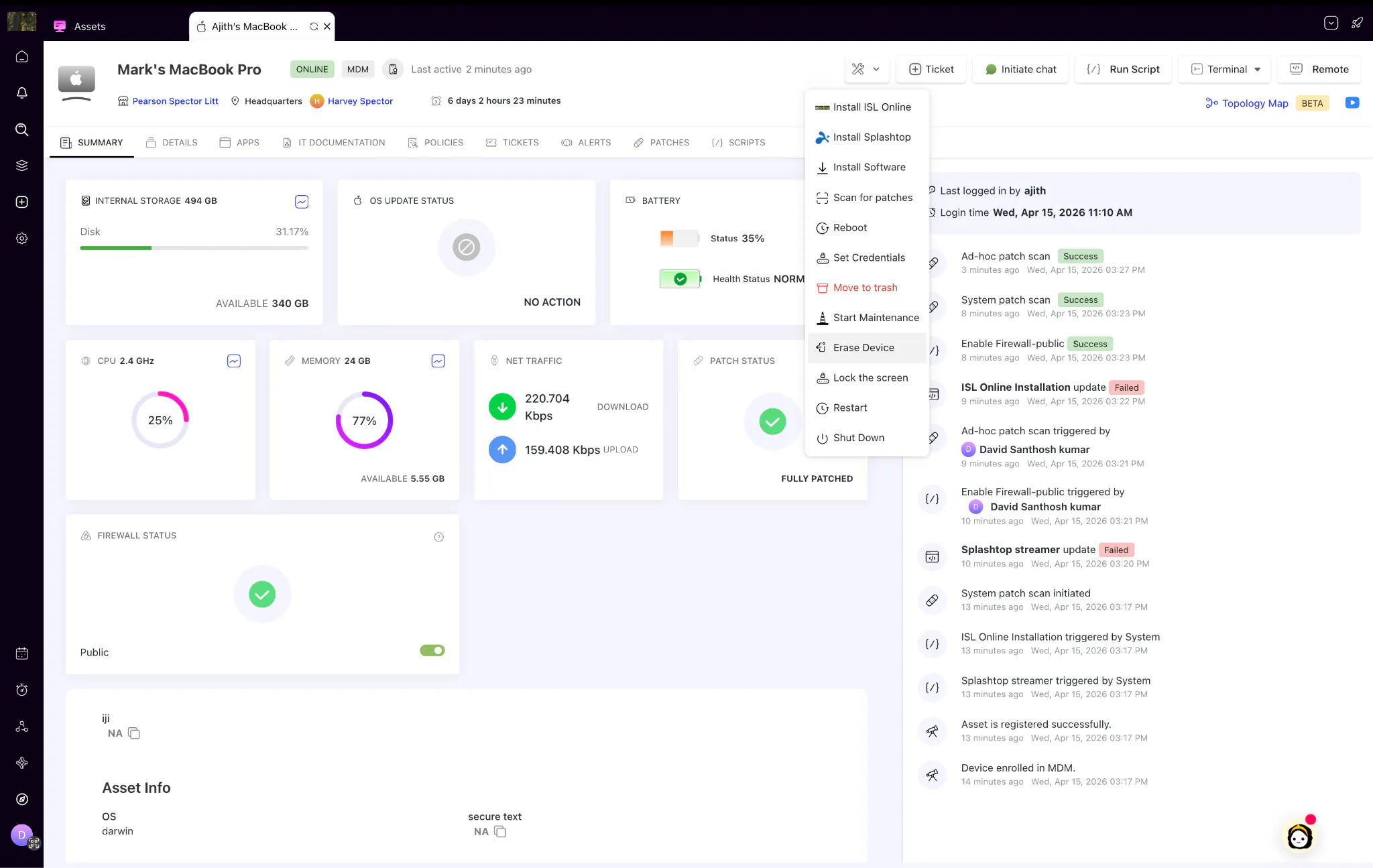
Script File Manager:
Managing script files just got easier. You can now access a dedicated Files tab within the Scripts Library to view and manage all files uploaded to your scripts. Quickly see where files are being used and safely remove unused ones—without worrying about accidentally deleting files that are still in use.
Things we’ve improved:
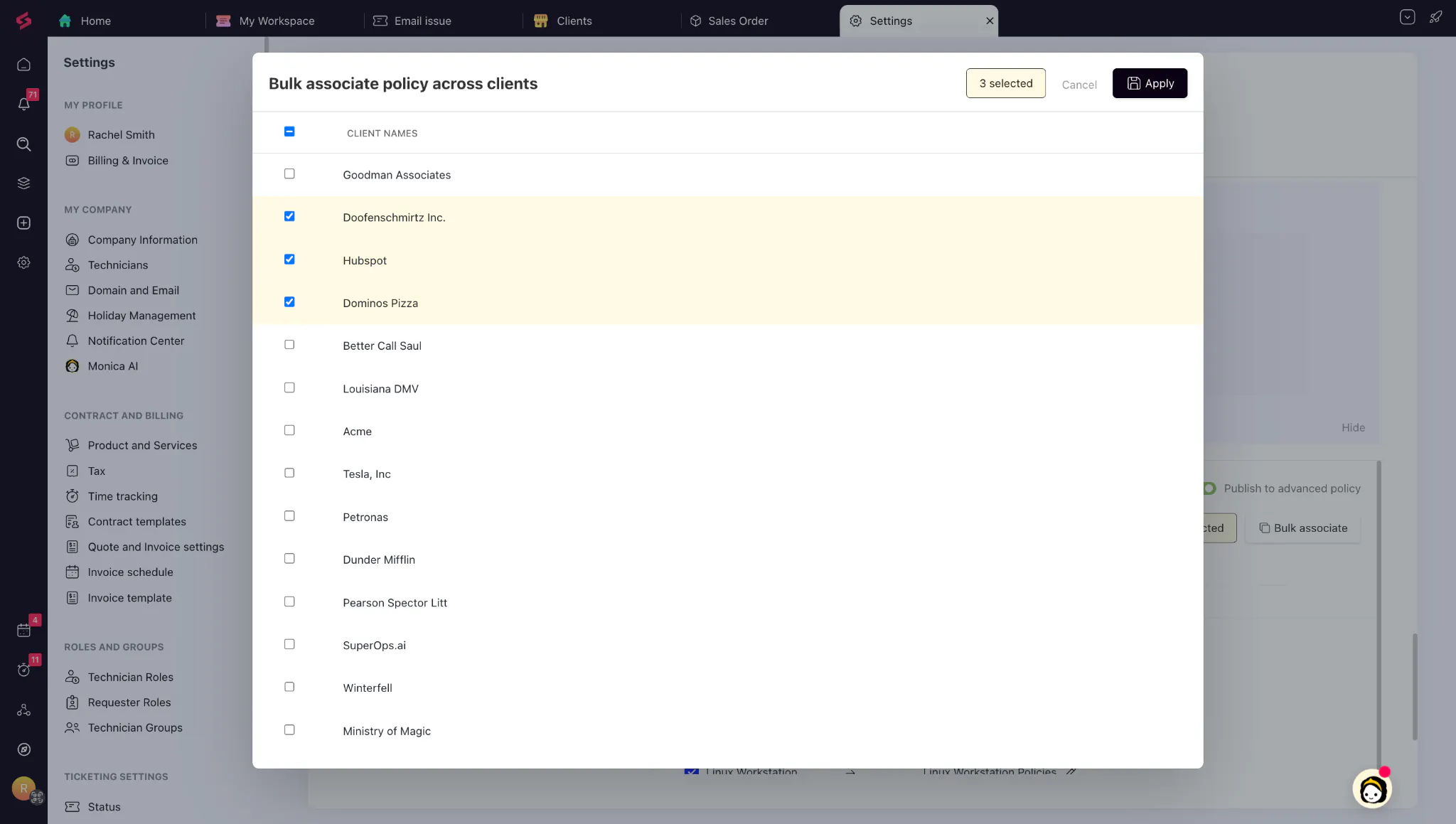
Bulk Policy Association Across Clients
You can now replicate a client's entire policy configuration across multiple clients at once, instead of repeating the same setup manually for each one. This significantly cuts down the time spent on client onboarding.
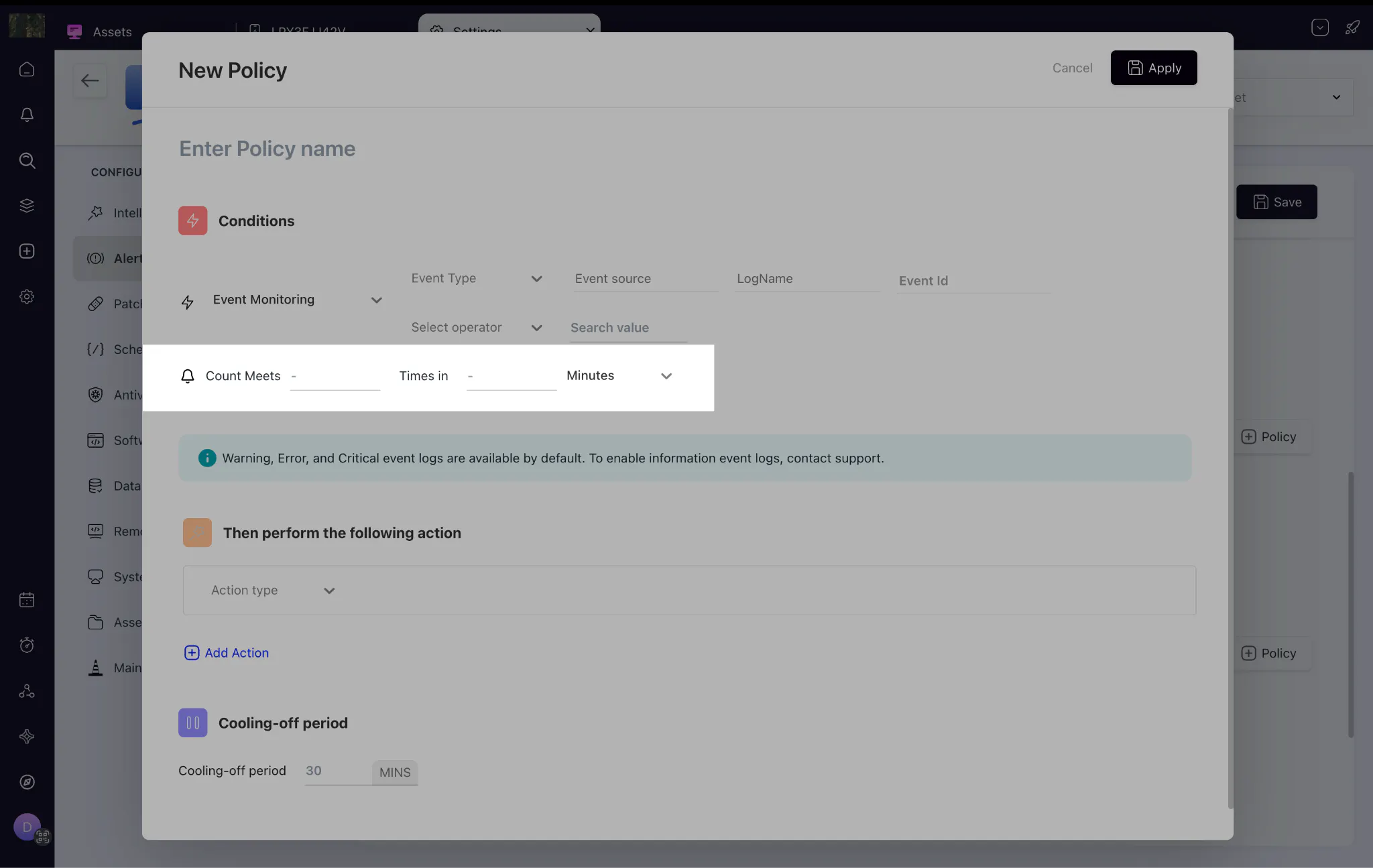
Event Monitoring Thresholds:
Event monitoring policies now let you set a threshold — defining how many times an event must occur within a time window before an alert fires. For example, alert only when a failed login happens 3 times within 1 hour. This reduces alert noise and helps surface patterns that actually need attention.
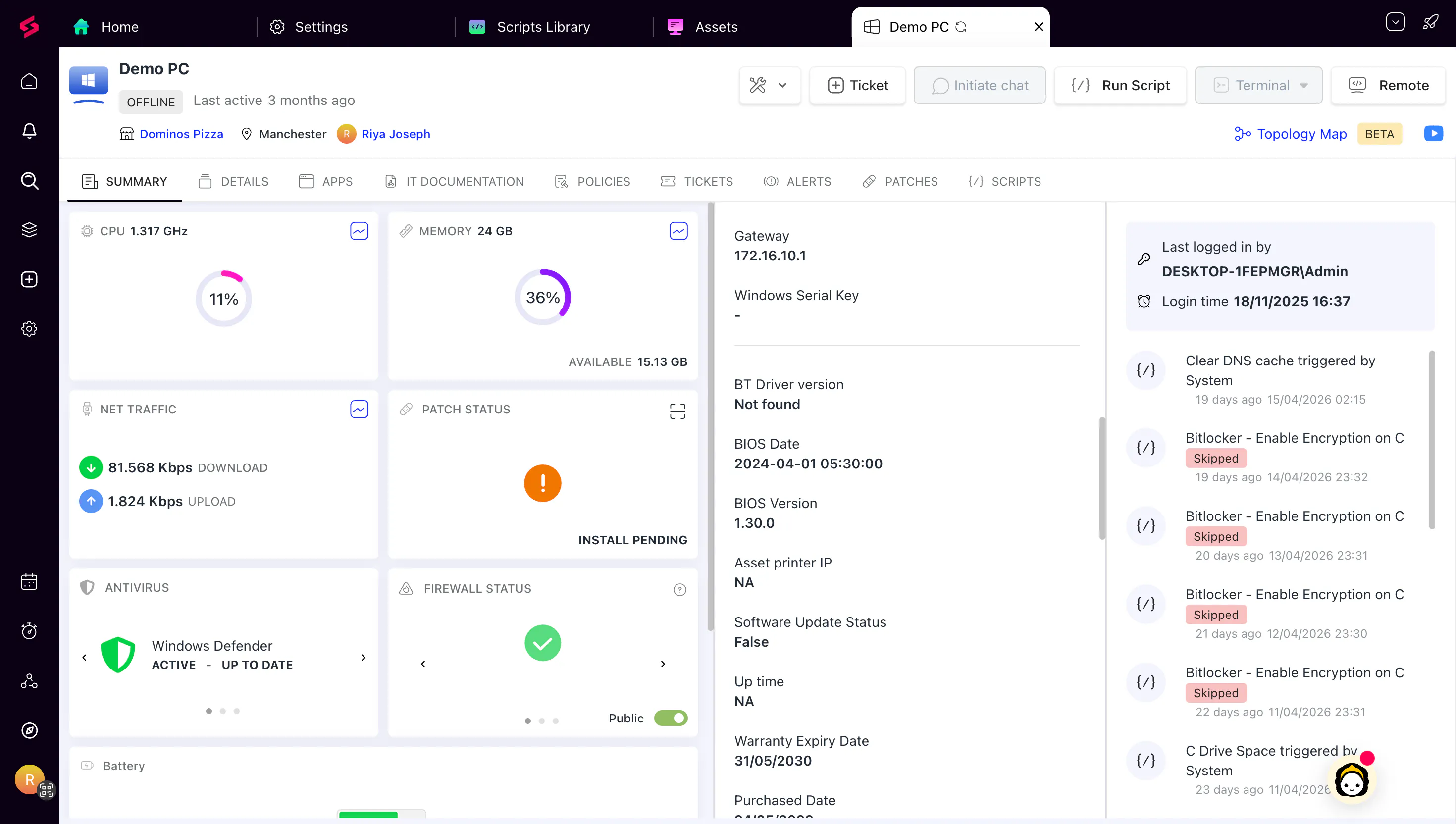
Enhanced Asset Summary Experience
We’ve redesigned the Asset Summary tab to help technicians find critical information faster. Important asset details are now surfaced right at the top, with a more compact and structured layout that reduces scrolling and improves visibility.This update makes it easier to quickly understand asset context—especially during triage—so teams can act faster and with more confidence.
Applies to MDM devices, endpoints, and SNMP device pages.
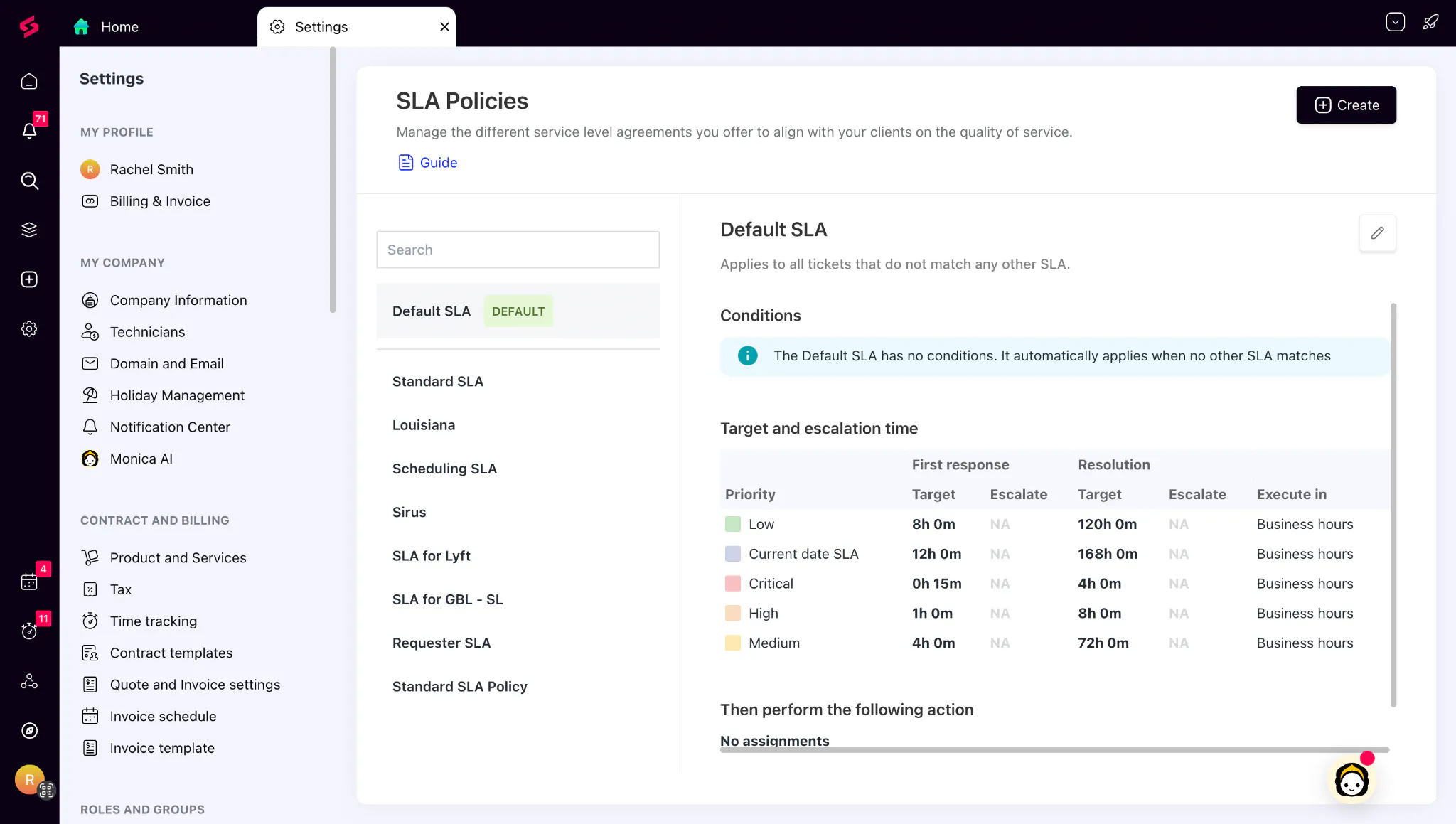
Default SLA:
Default SLA automatically applies to tickets without a matching SLA policy. This acts as a fallback, so no ticket is left without response and resolution targets, giving teams consistent SLA coverage without additional manual configuration.
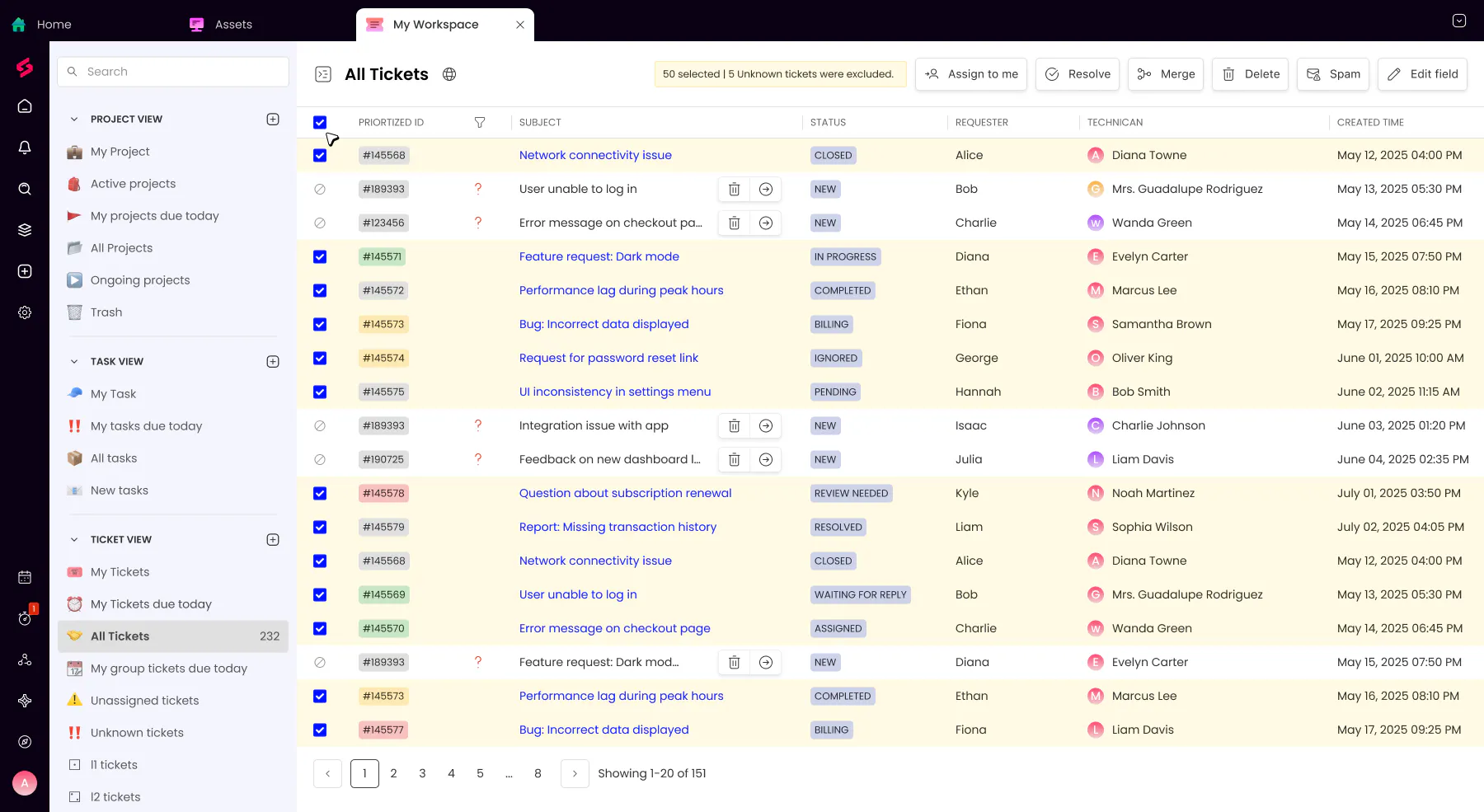
Unknown Ticket Clarity in Bulk Actions:
Tickets without a mapped client are now clearly labelled and automatically excluded from bulk actions. Previously, selecting these tickets in a bulk workflow would result in errors mid-operation. Users now get clear guidance on what needs to be fixed before those tickets can be acted on.
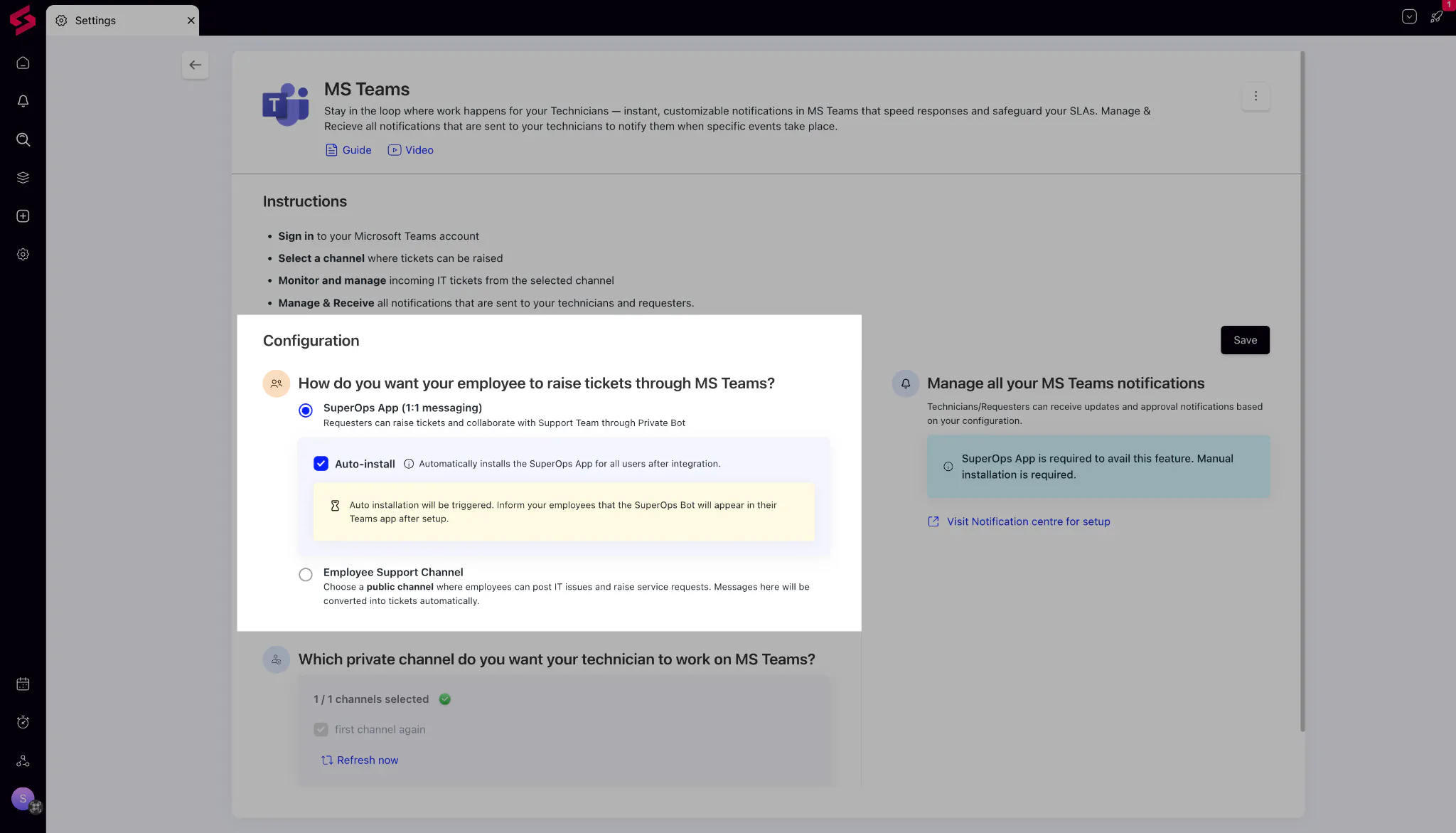
1:1 Ticket Creation in Slack and Teams [for IT Teams]:
Users can now raise support requests by messaging the SuperOps bot directly in a private 1:1 chat in Microsoft Teams or Slack, without needing to post in a shared channel. Tickets are created and managed in SuperOps exactly as they would be through any other channel.
(Available on the Prime Plus plan)
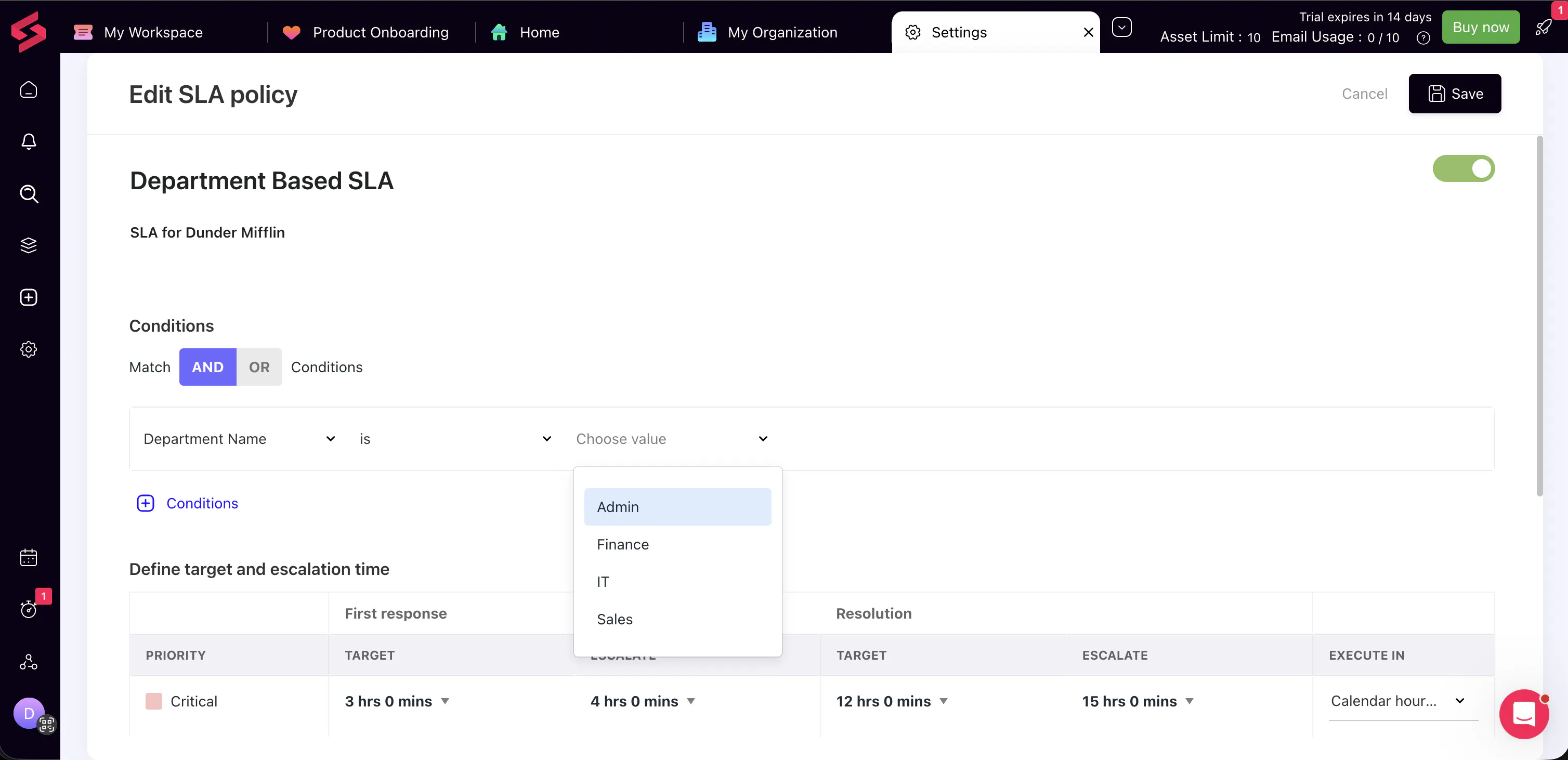
Department-Based SLA Conditions (for IT Teams)
You can now define SLA policies based on the requester’s department. This allows you to tailor response and resolution targets more precisely—for example, setting different SLAs for Finance and Marketing teams.
With this added flexibility, your SLAs can better reflect business priorities without added complexity.
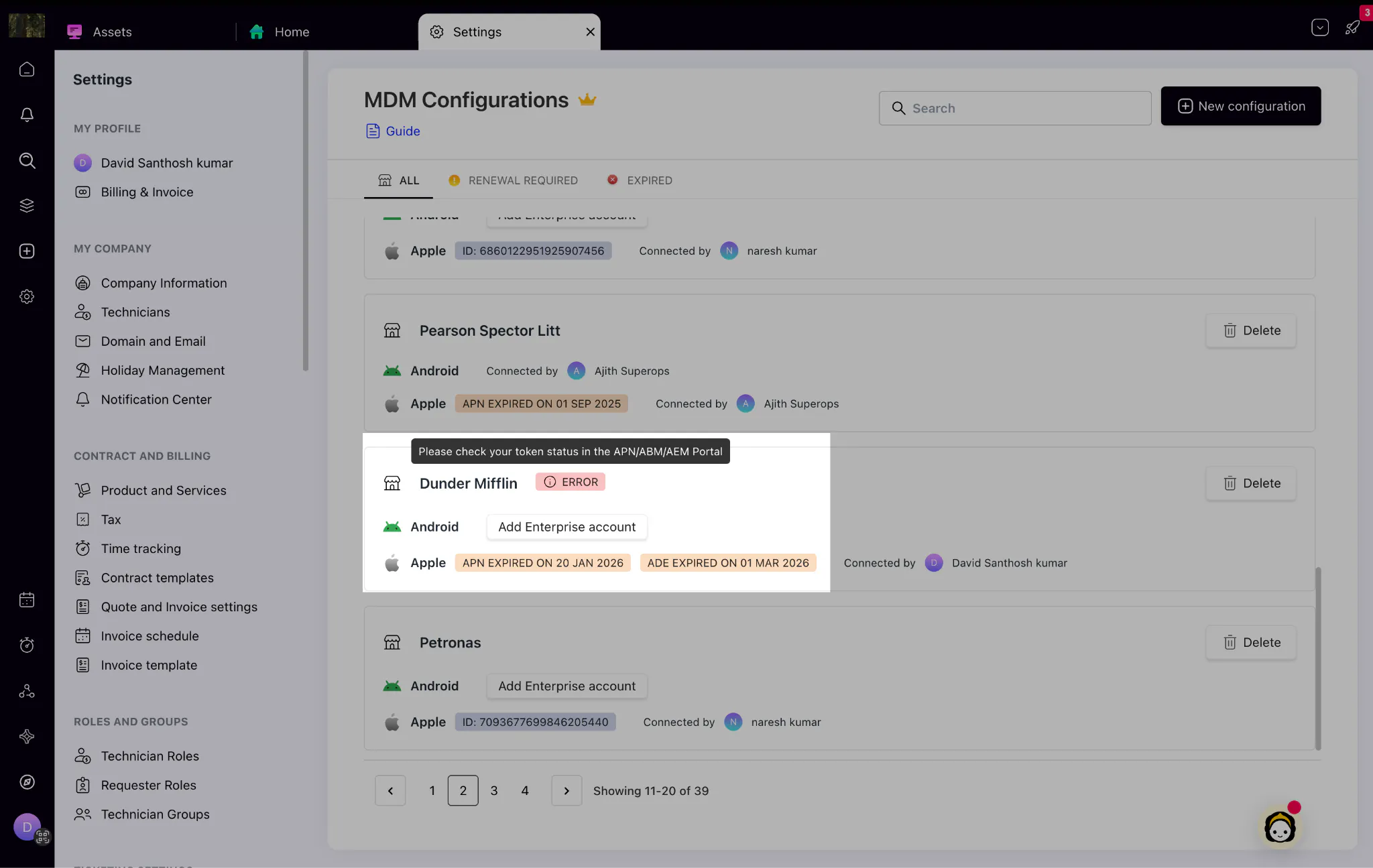
MDM Enhancements:
Improved APNs & ADE Token Alerts: Get proactive in-product notifications when tokens are nearing expiry, expired, or invalid, helping you take timely action and avoid interruptions in device communication.
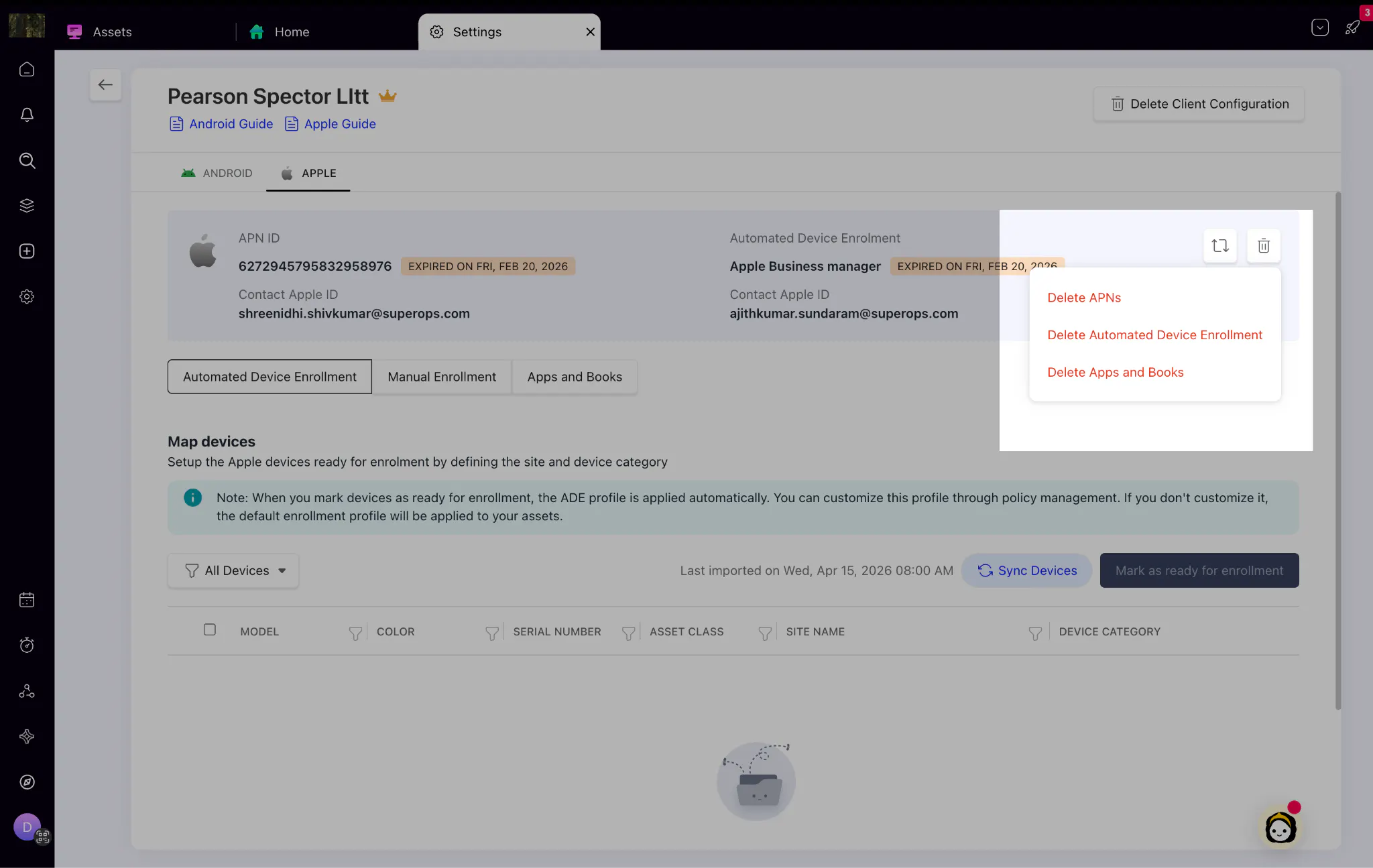
Enhanced Device Offboarding: Cleanly reset or remove MDM configurations when needed. New delete controls allow admins to remove entire MDM client configurations or specific Android/Apple configurations during offboarding or migration.
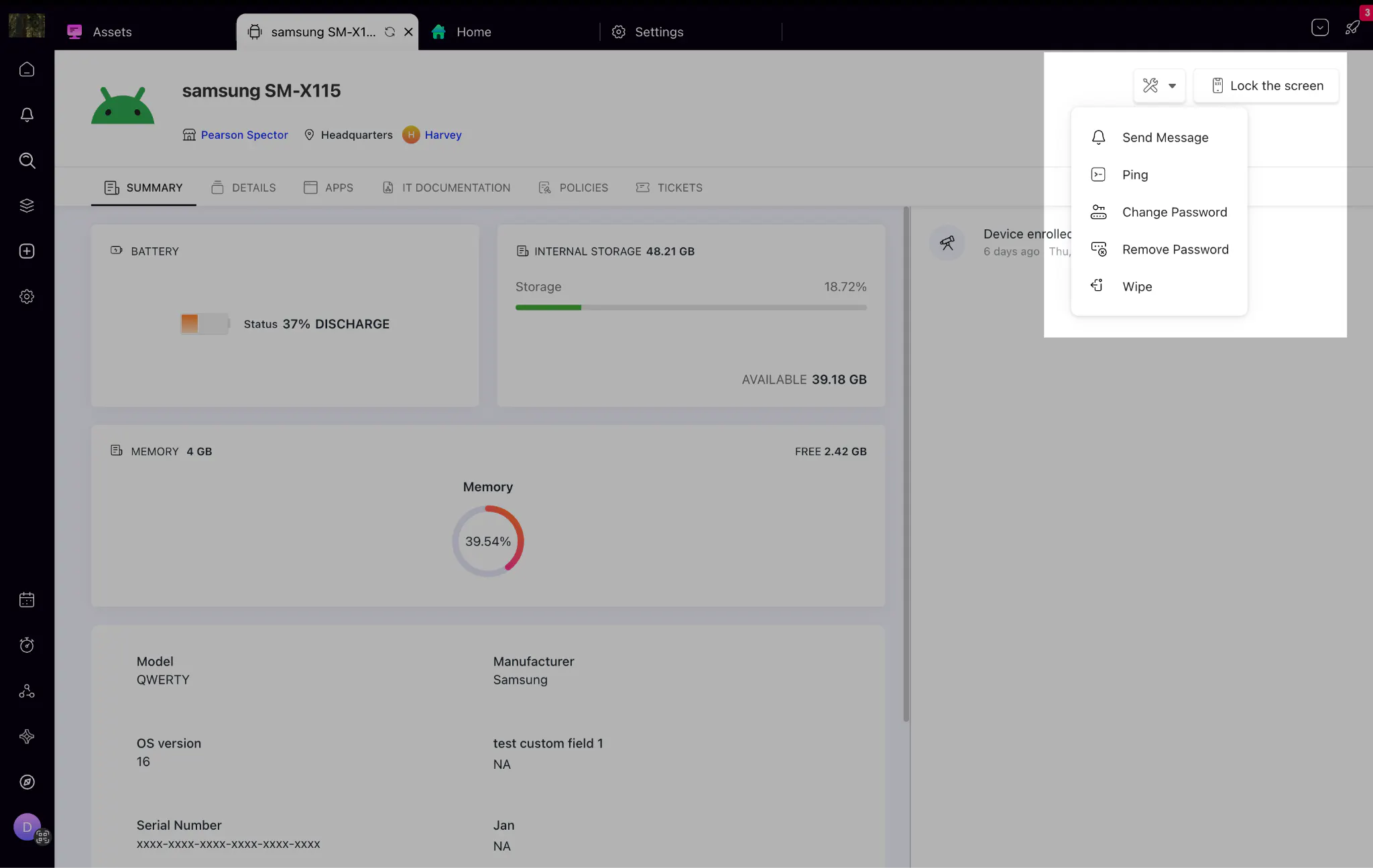
Android Remote Actions: You can now perform remote actions on Android devices directly from SuperOps. You can use Ping to check if a device is online and Send Message to notify users. All actions are logged in the asset activity history. This helps you verify device availability and communicate with users before taking further action.
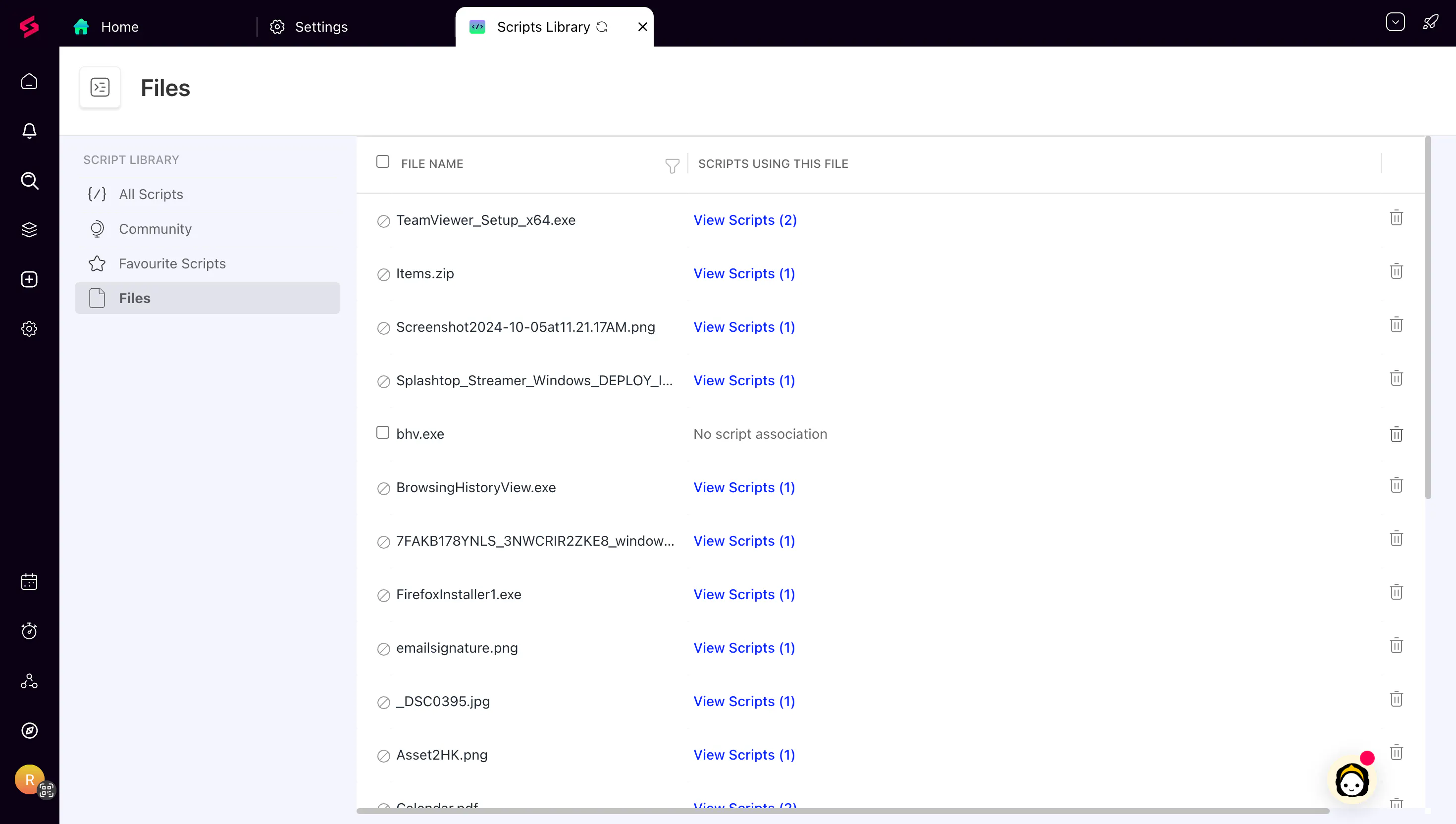
App Blocking in Device Management: Admins can now block specific apps from the App Management section. Blocked apps are hidden from users and stop functioning if already installed. On BYOD devices, this applies only to the work profile — personal apps are not affected.