


What’s New:
For MSPs & IT Teams:
Knowledge Base: The all-new Knowledge management module helps you build a central repository of articles and SOPs so your users can solve common issues independently. With AI-powered suggestions and seamless integration into the ticketing flow, the KB is now a core part of your support ecosystem.
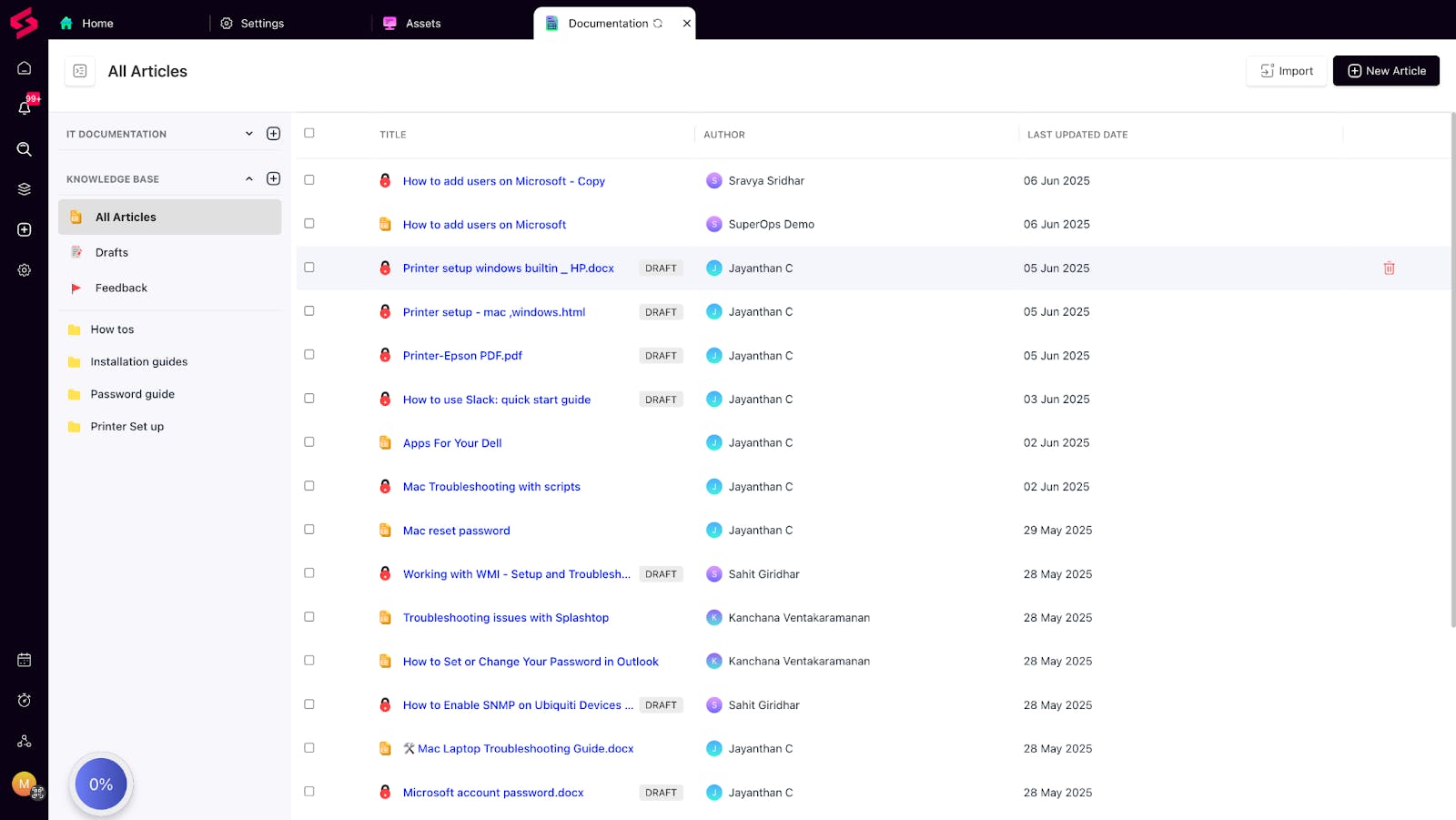
👉 Check out the article for more information
Mac Software Management via Homebrew: Automate software installs and patching on macOS using Homebrew. Whether you're managing 10 or 1,000 Apple devices, this update brings scale, control, and efficiency to your Mac fleet management.
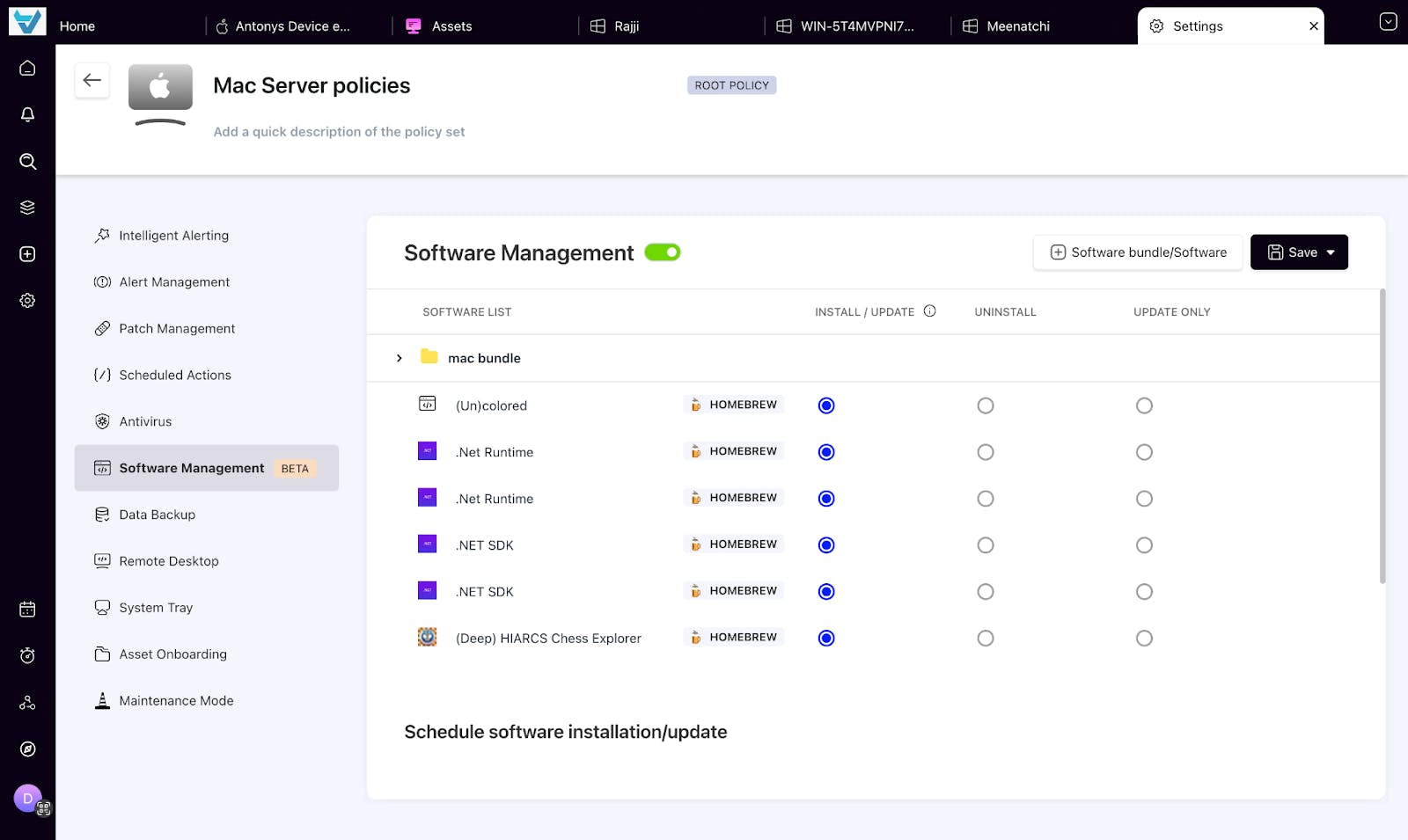
👉 Check out the article for more information
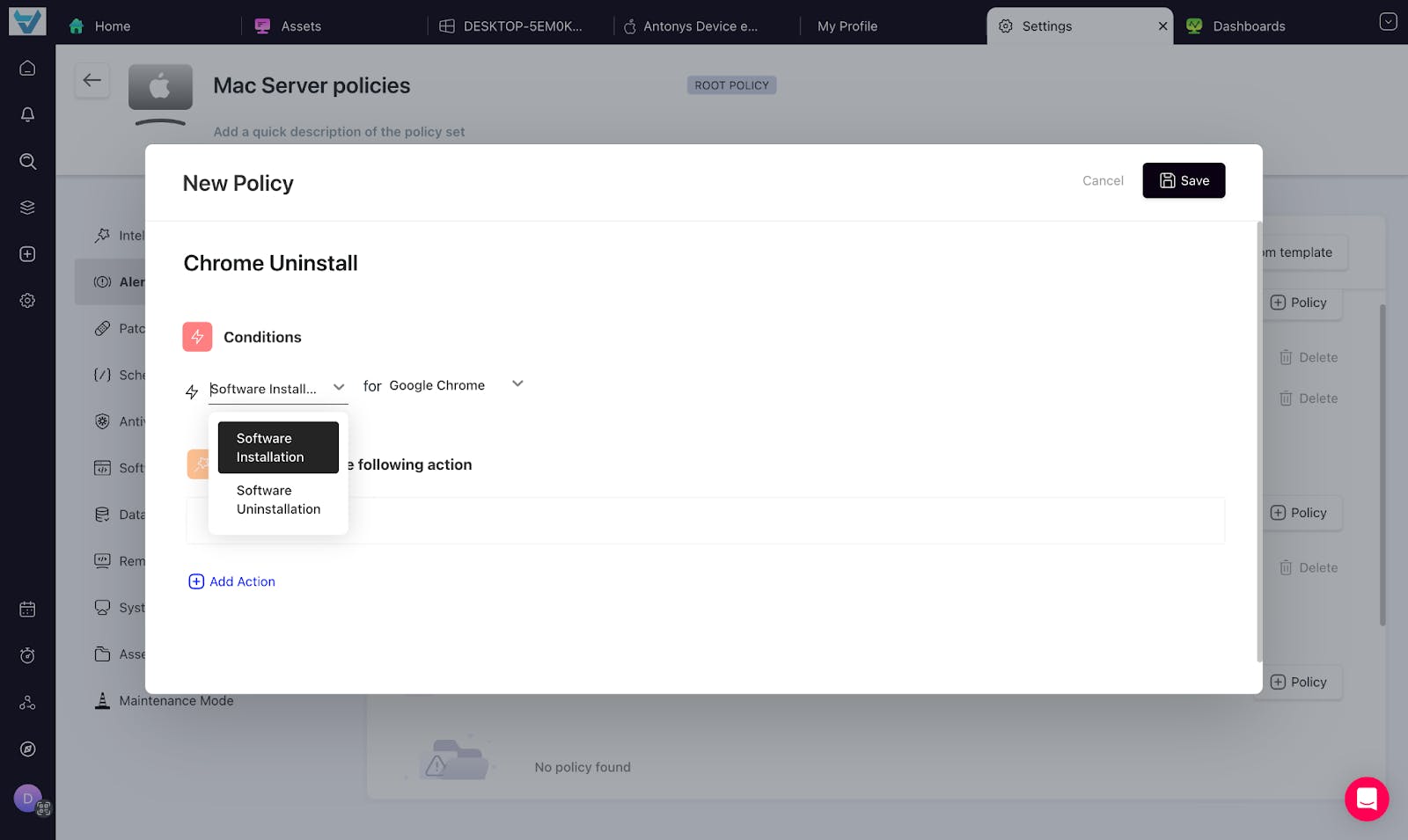
Software Install/Uninstall Alerts: We’ve introduced new alert conditions to notify you when specific software is installed or uninstalled across managed devices—helping you monitor compliance, detect anomalies, and stay on top of software changes.
Things we’ve improved:
For MSPs:
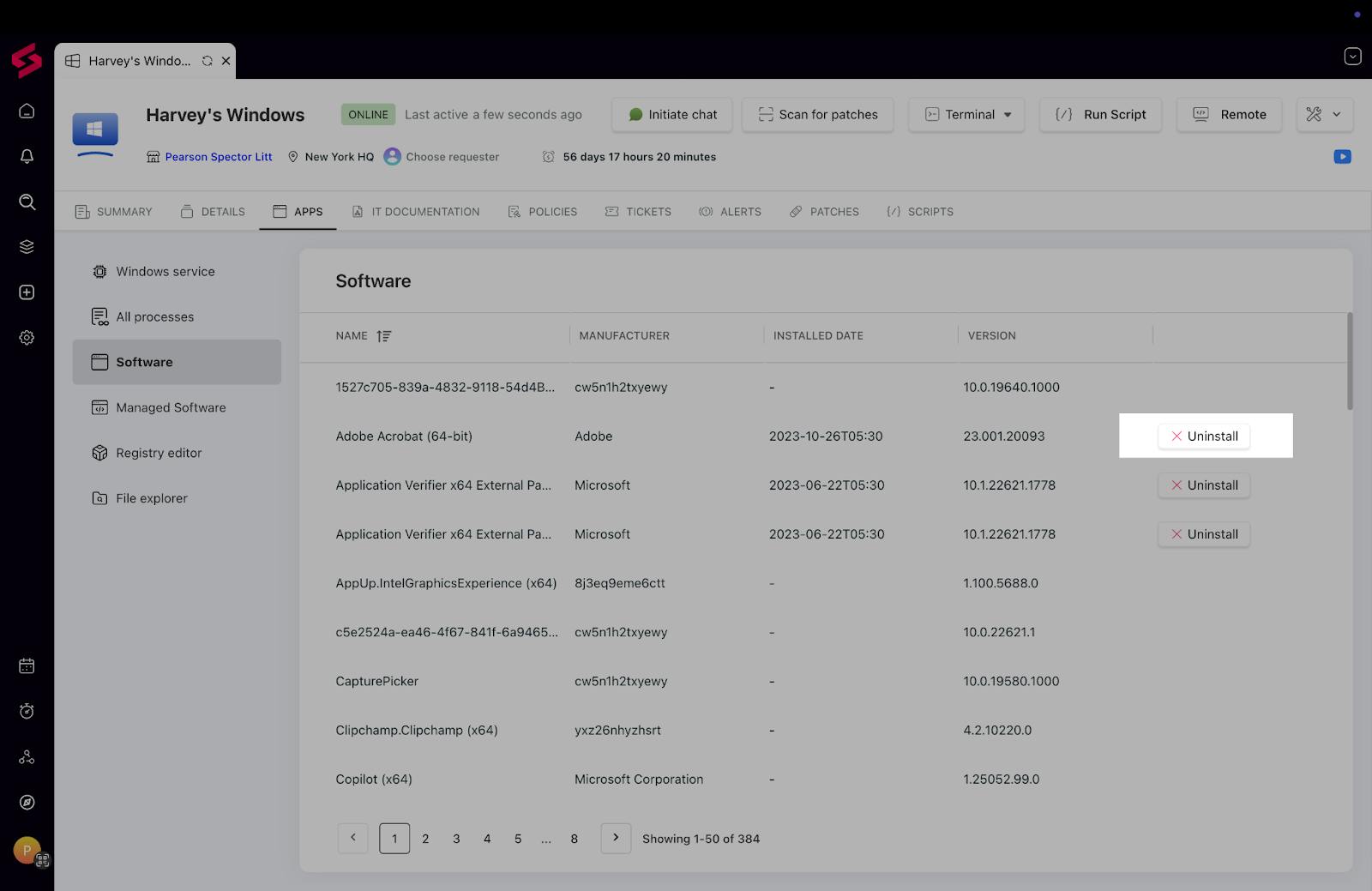
Uninstall Software from asset page: You can now uninstall software directly from the asset’s software page, giving you more control with fewer steps. The software selection flow has also been refined, making it easier and quicker for technicians to act on assets.
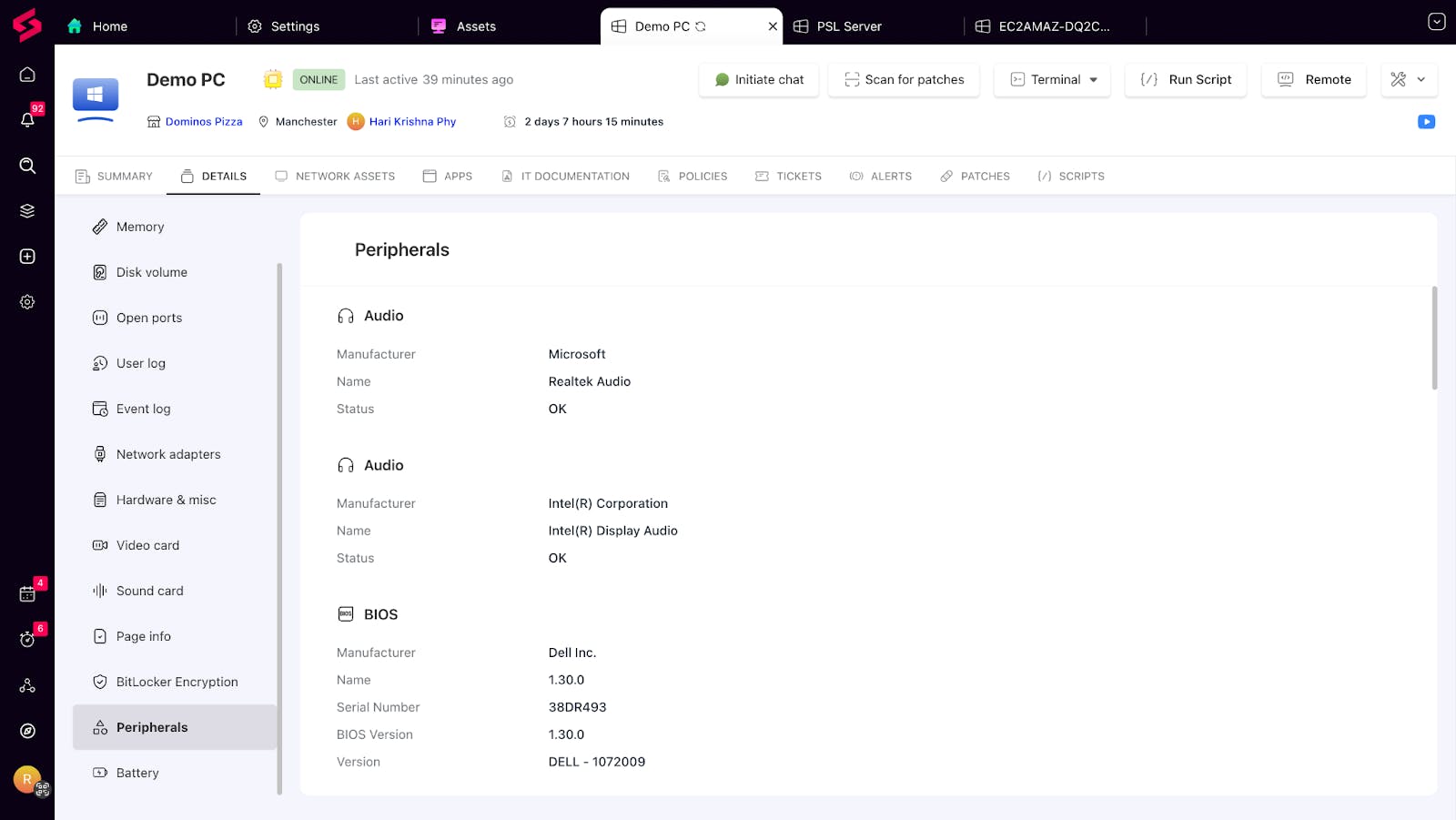
Additional metrics we have added in Windows, Mac & Linux: We’ve extended visibility across Windows, macOS, and Linux assets with new hardware and security metrics. From RAM slots and battery status to TPM details, AV health, Office versions, and even serial keys. You’ll now have the data you need to make smarter IT decisions.
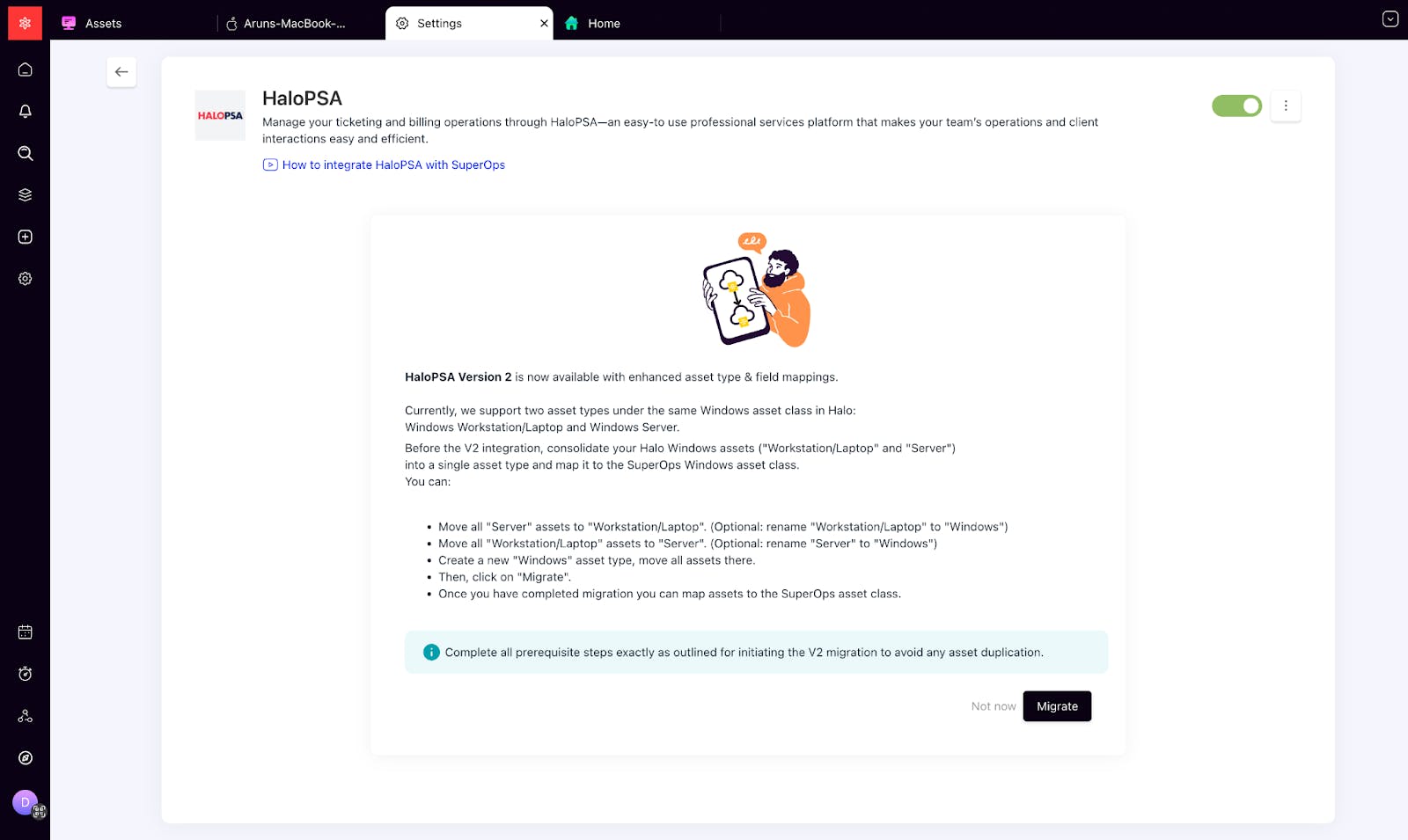
HaloPSA V2 Migration: The HaloPSA integration has been upgraded from V1 to V2 with a seamless migration path. It syncs more reliably and leverages the latest HaloPSA APIs for broader compatibility and better workflow performance.
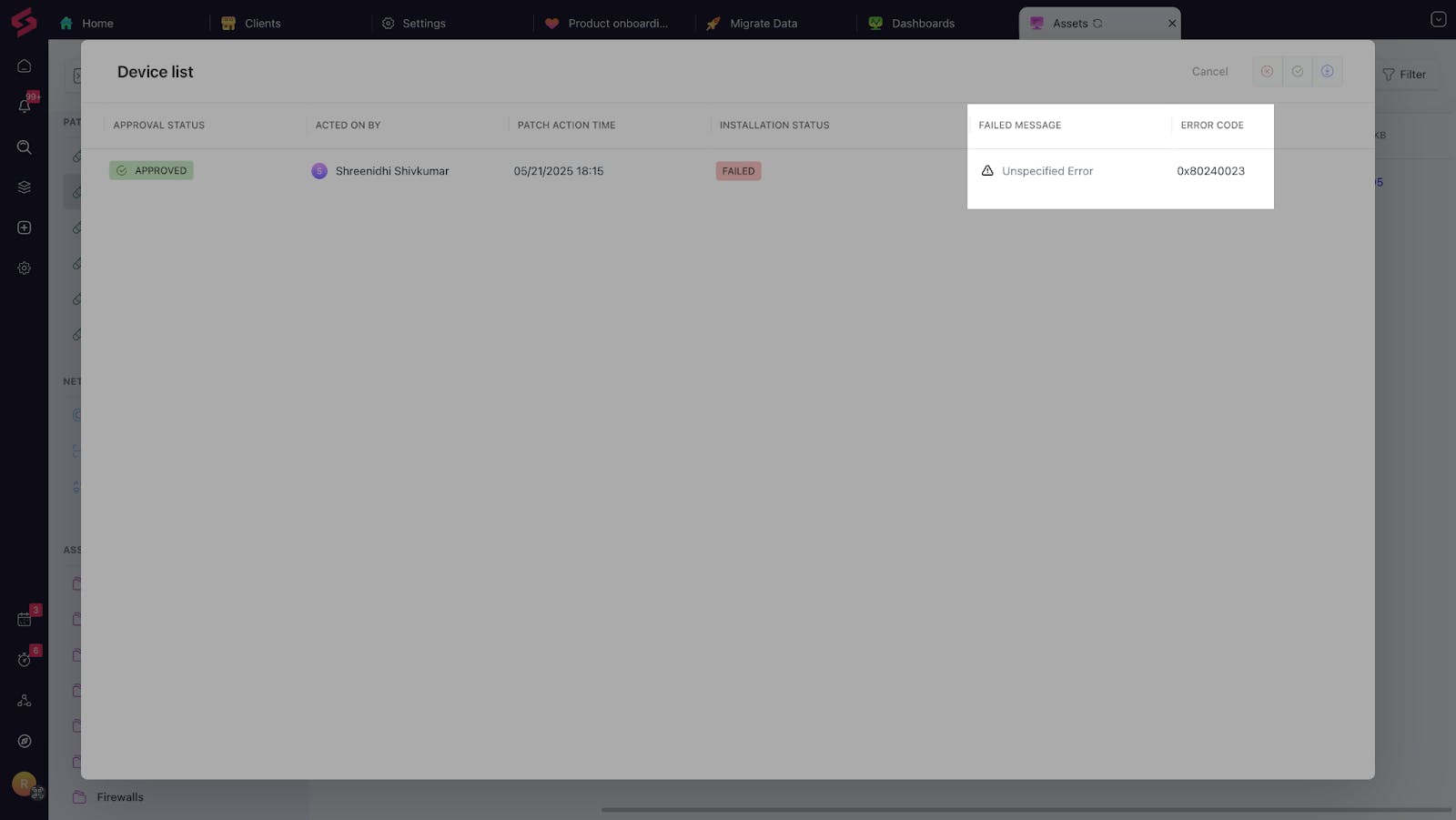
Patch Management Improvements: We've boosted installation success rates with more intelligent error handling and automatic retries. Error messages are now more descriptive, helping technicians resolve issues faster.
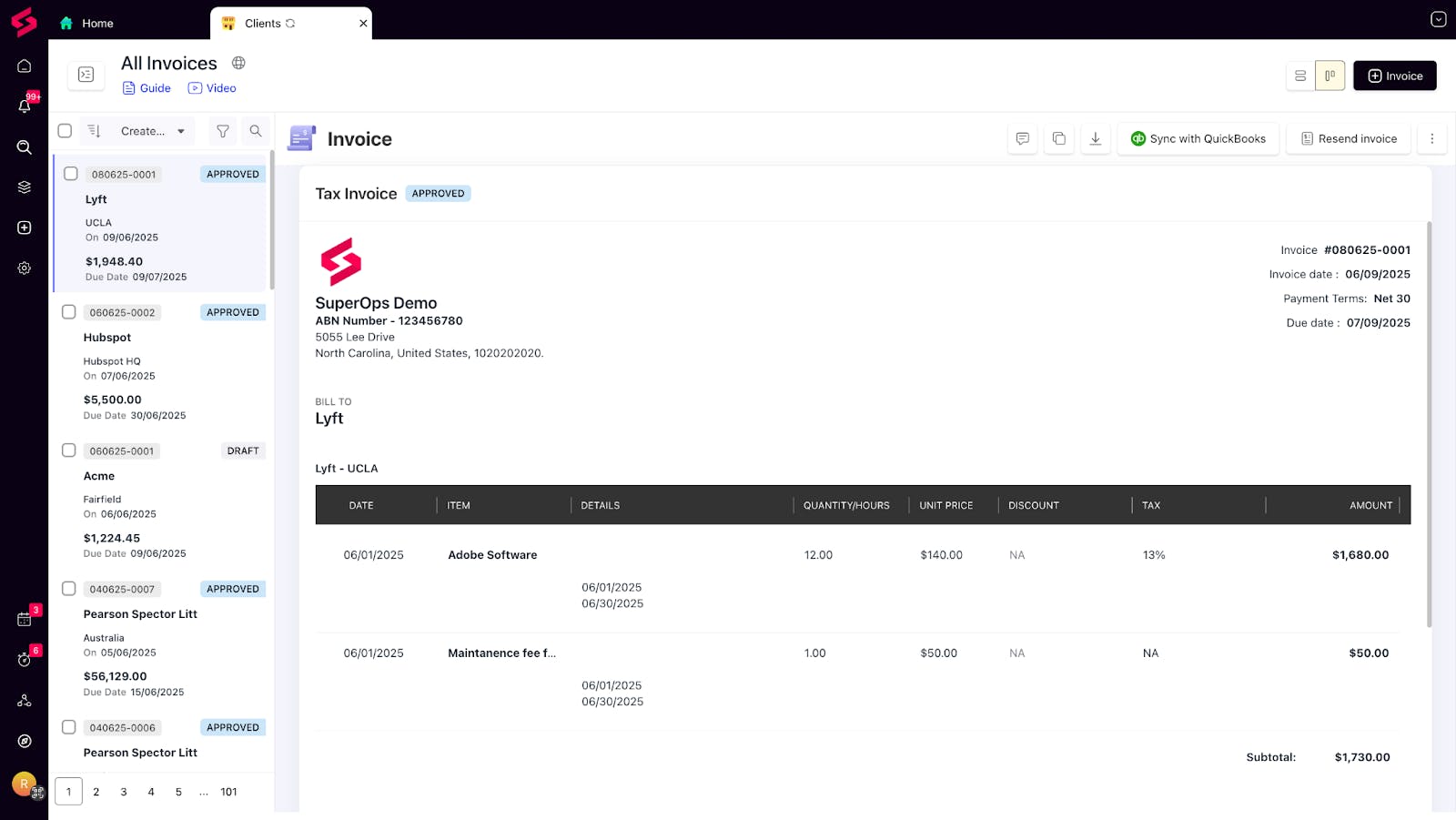
Invoicing improvements:
Classic View for Invoicing: View the invoice list and the details of a selected invoice side by side, all on the same page, making it easier to review, compare, and take action without switching tabs.
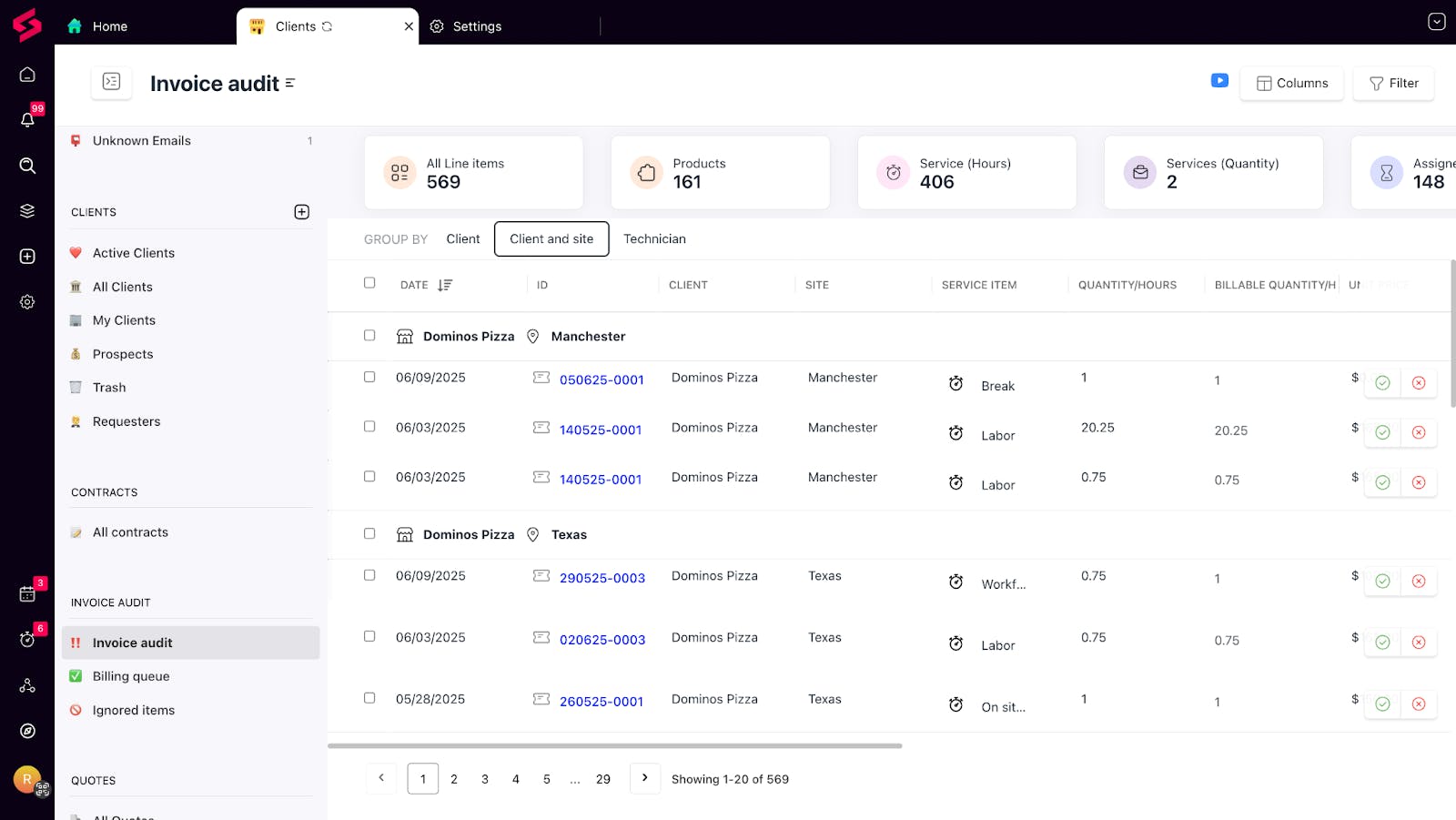
Invoice Audit: You can now group your invoice audit based on client, site, or technician for more clarity and easy differentiation.
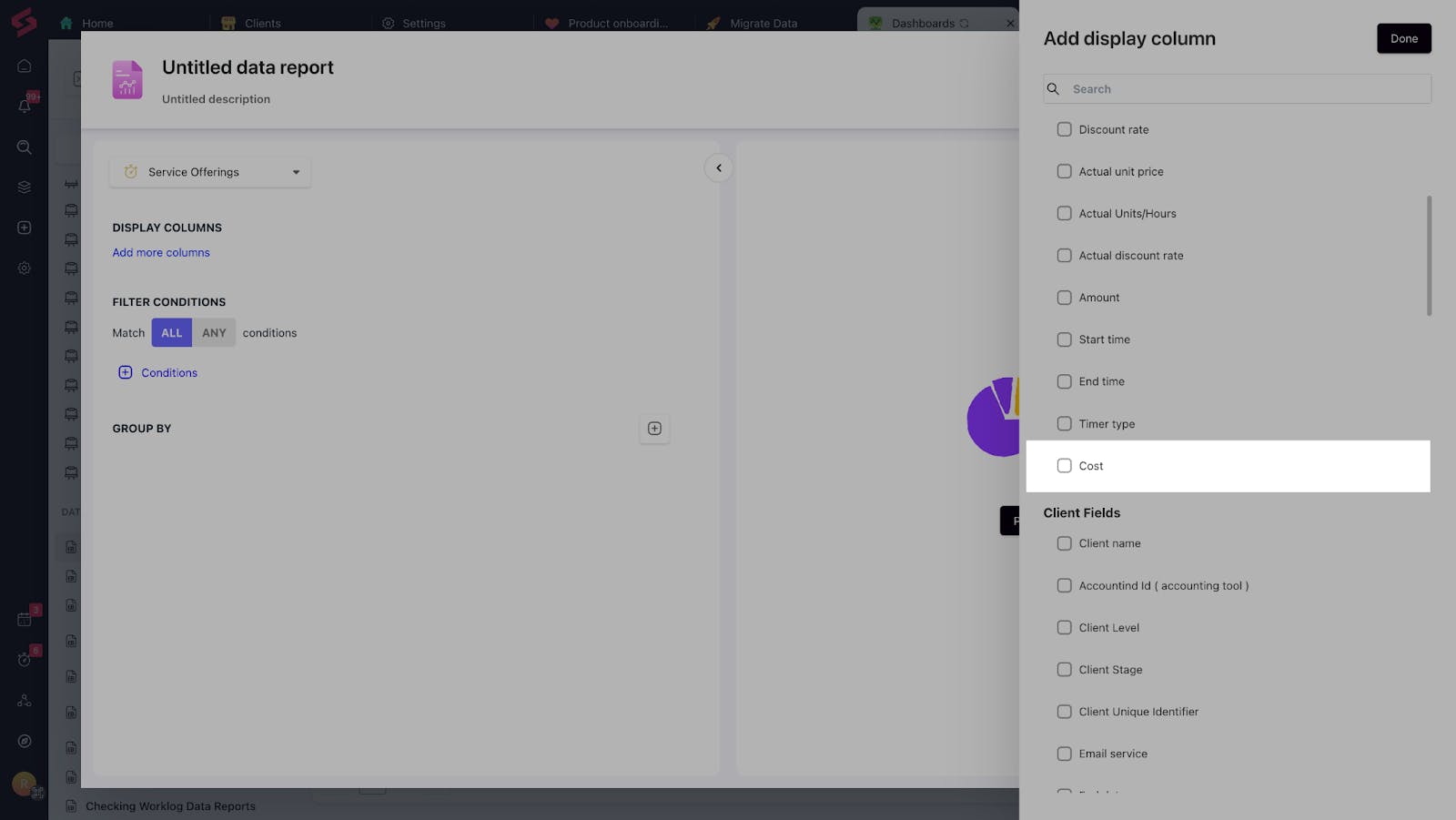
Cost field in reports: We've also added a cost field in data reports, allowing you to track profitability at a more granular level.
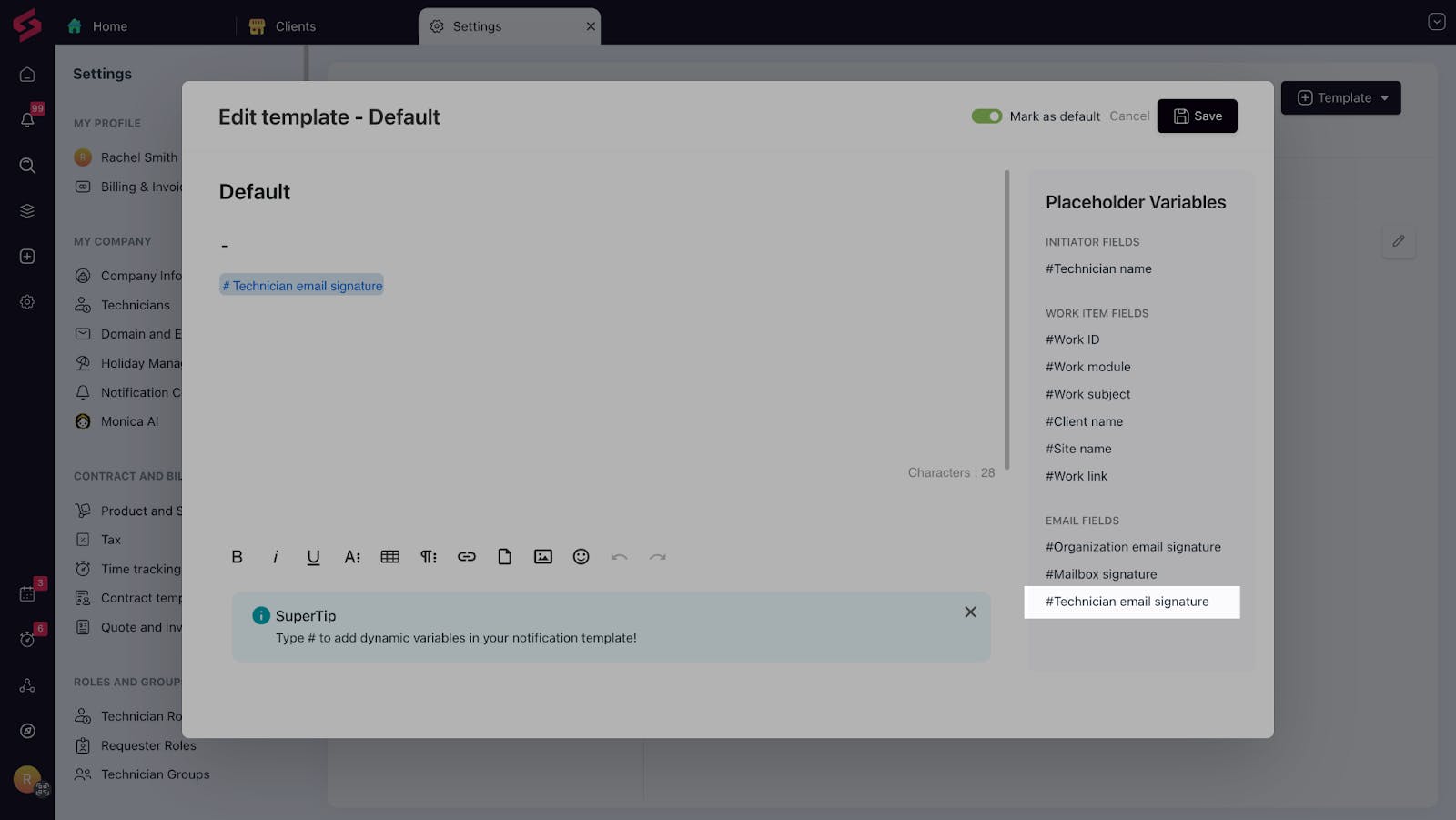
Side conversations enhancements: We now support technician email signatures, improving the quality and consistency of client communication.
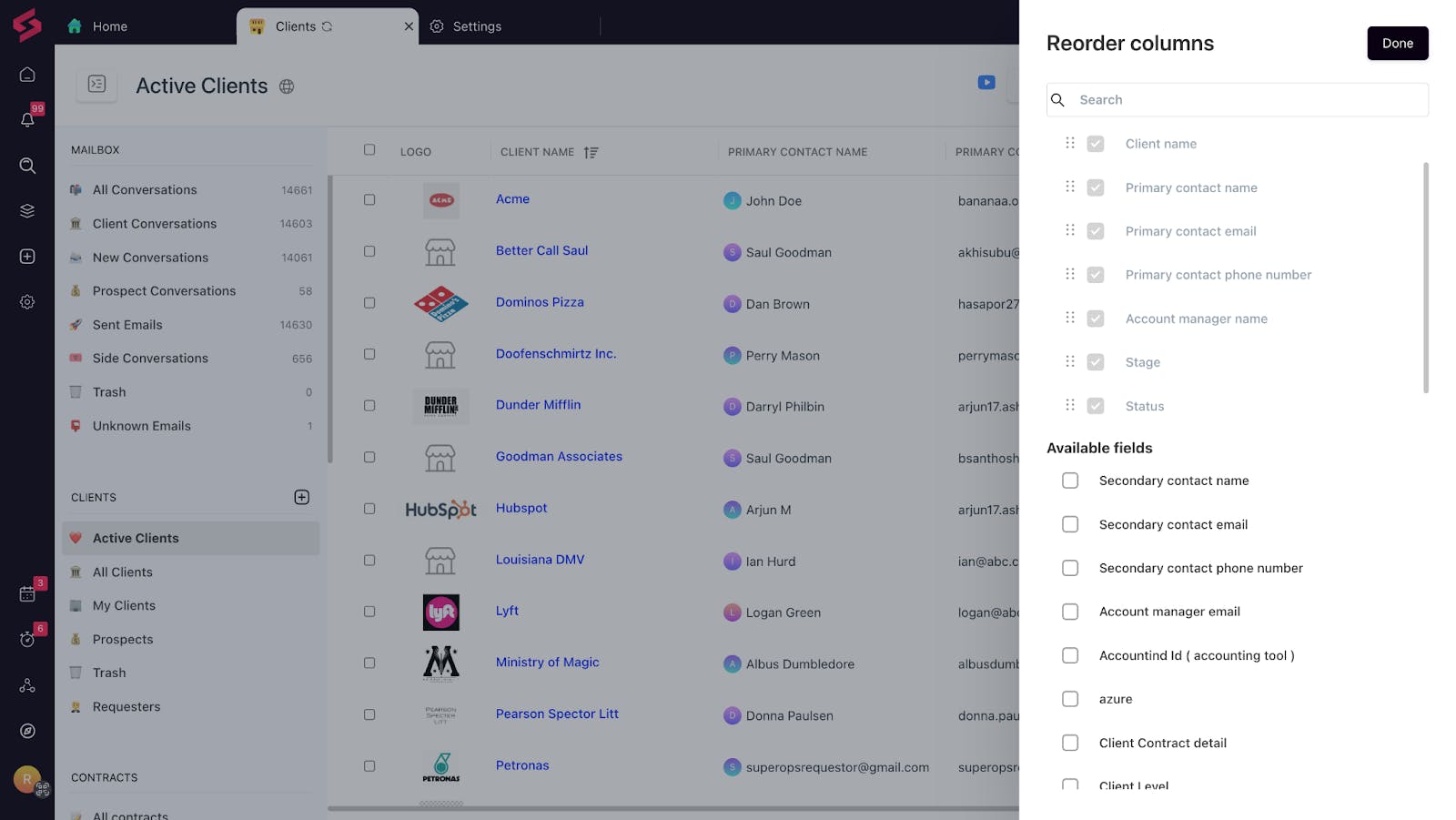
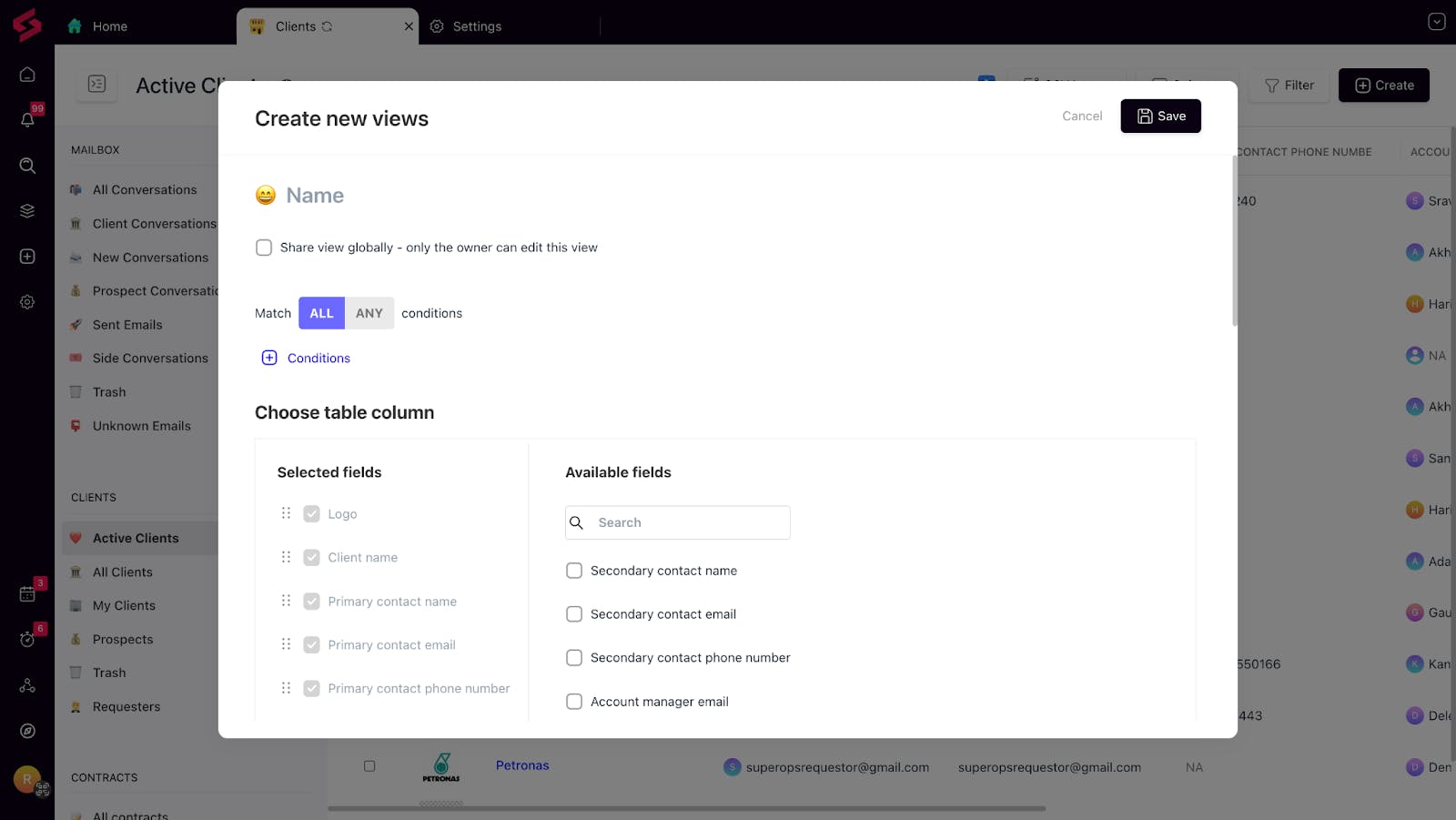
Client management upgrades: Take full control of client views and workflows:
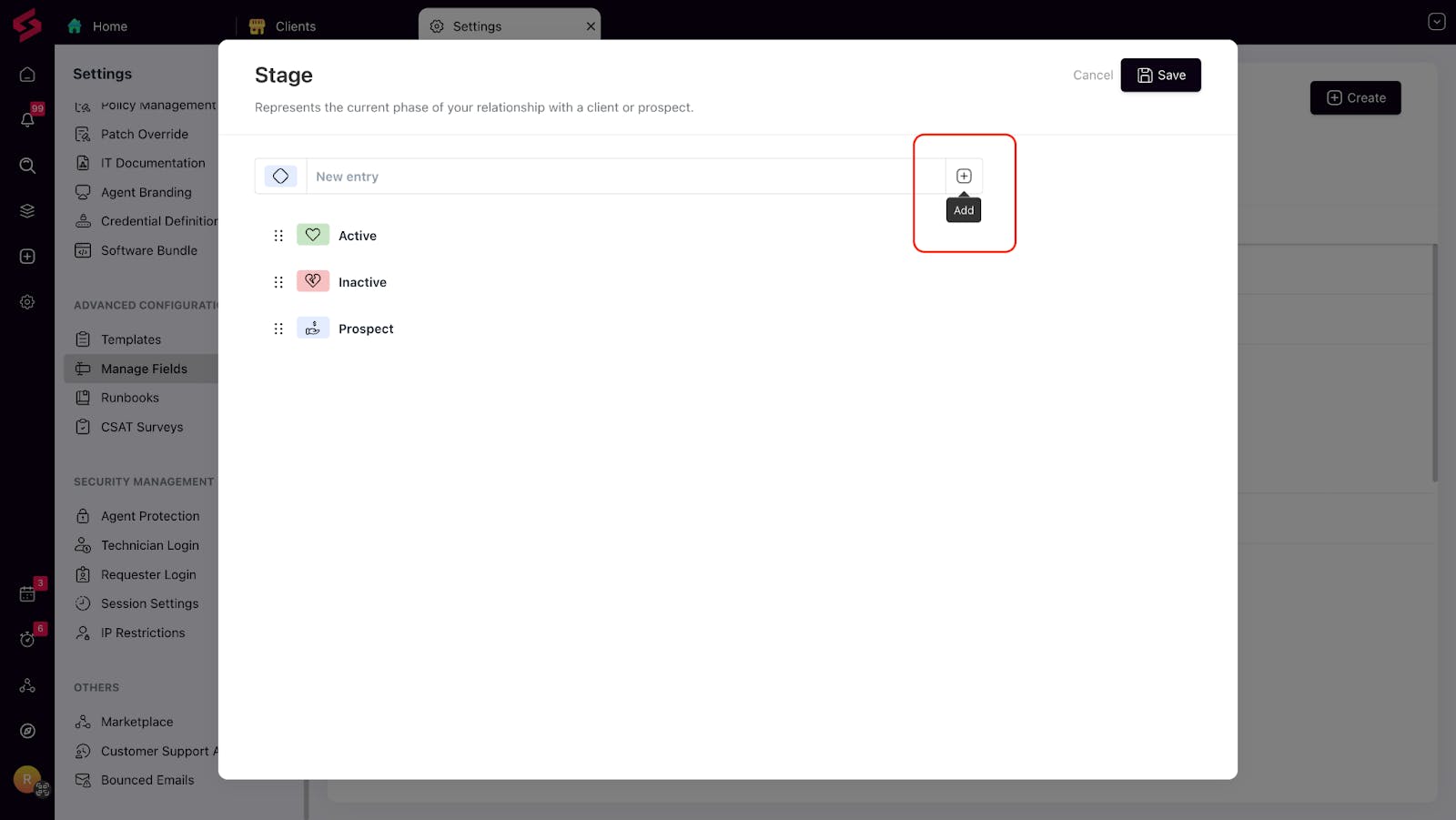
Add, rename, reorder, and color-code client stages and statuses
Show/hide custom columns in the client list
Segment and manage clients more precisely with custom client views.
For IT Teams:
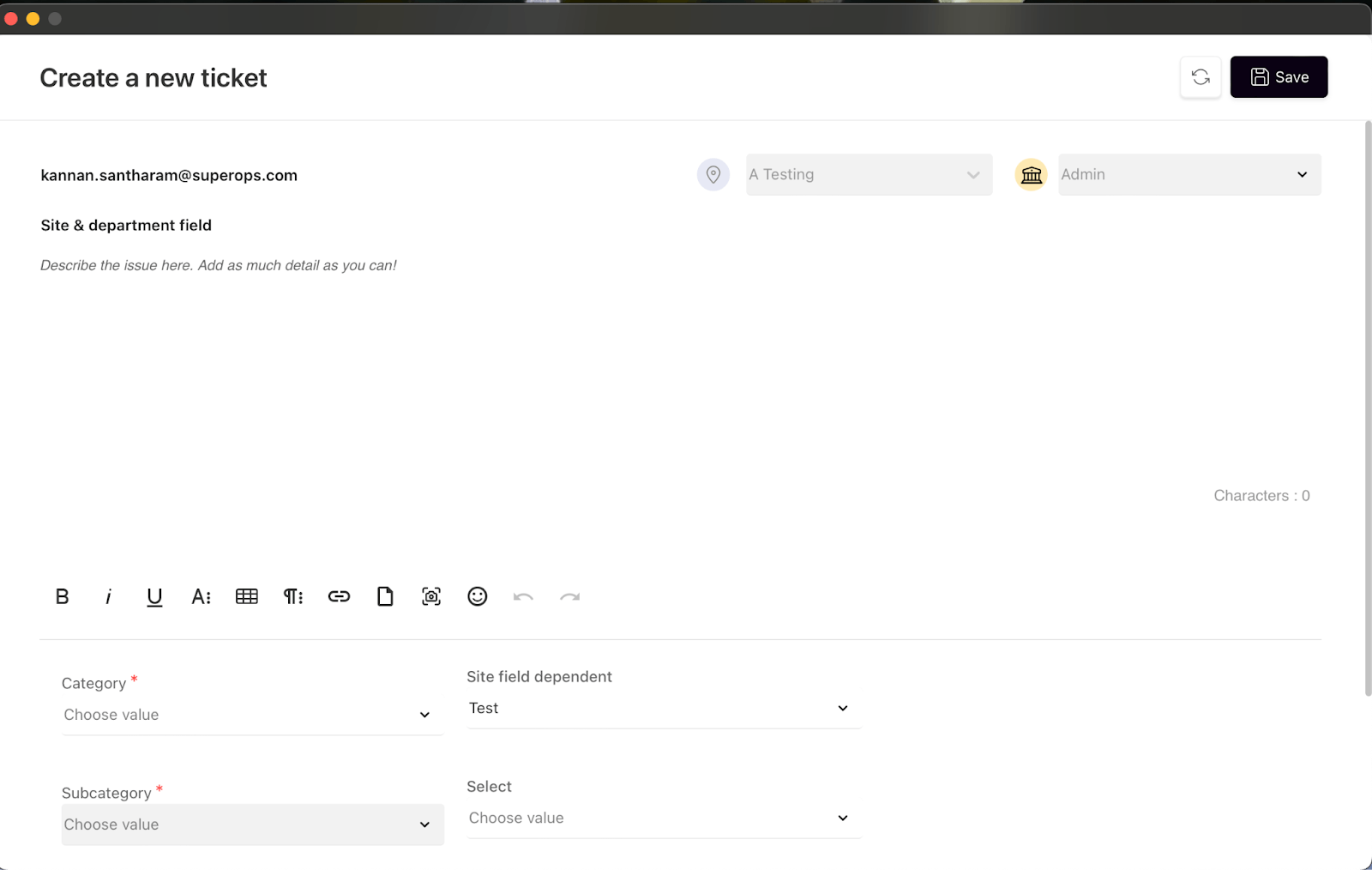
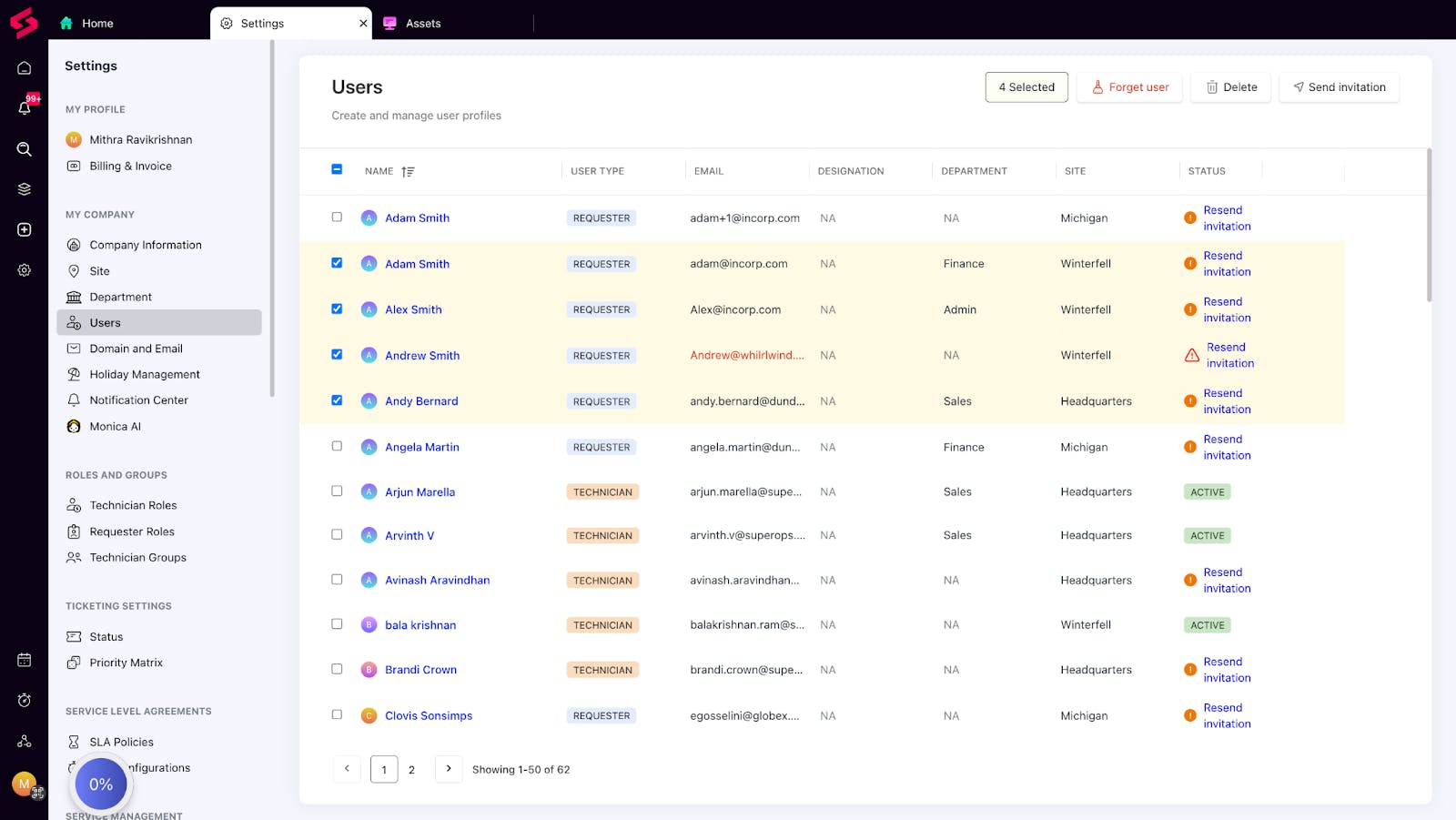
We’ve added a few handy updates to help IT admins scale user and asset management.
Show site and department details in the system tray ticket page
Bulk invite and delete users in one go
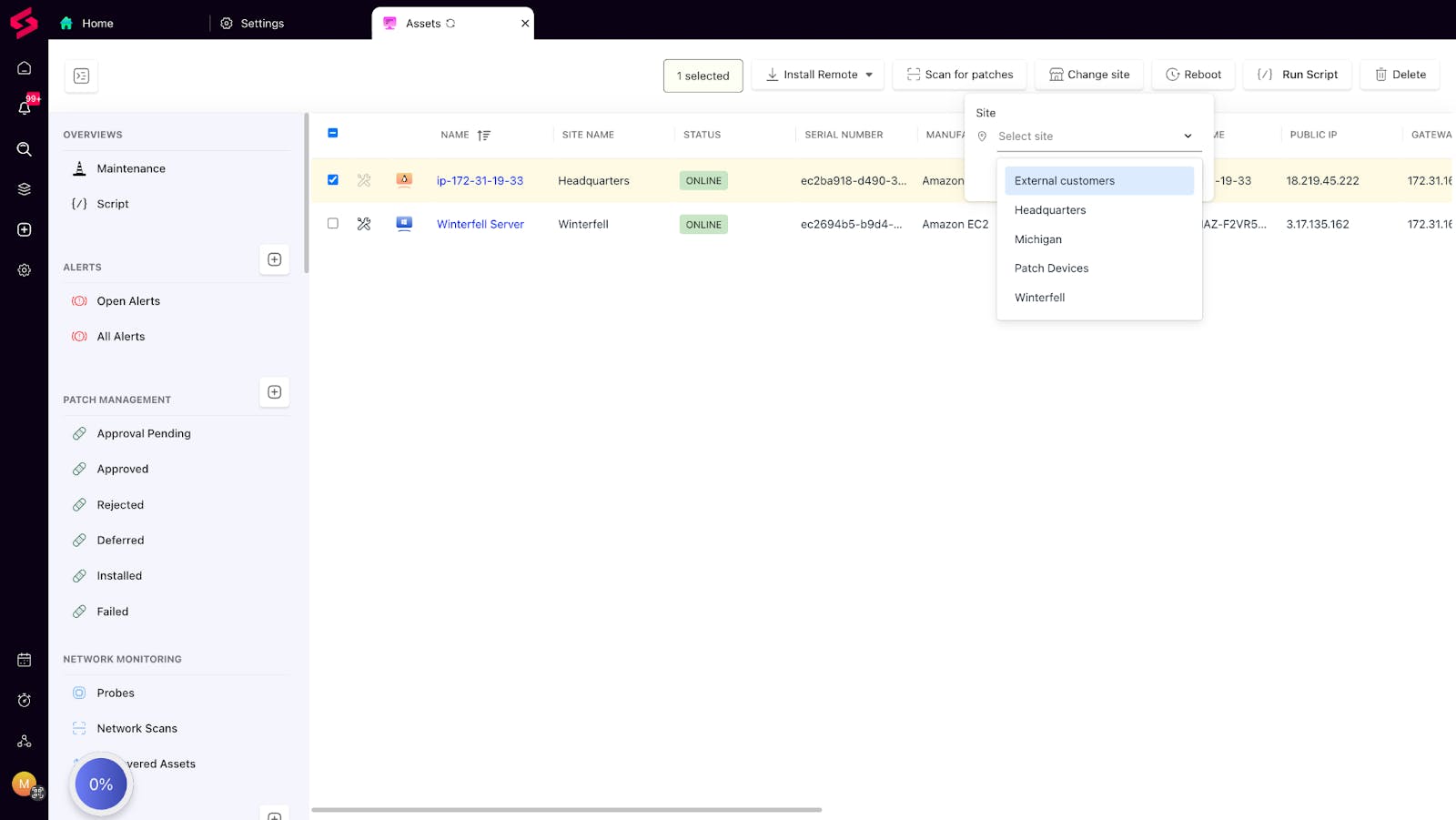
Bulk update site assignments from the asset list view
Early Access Program:
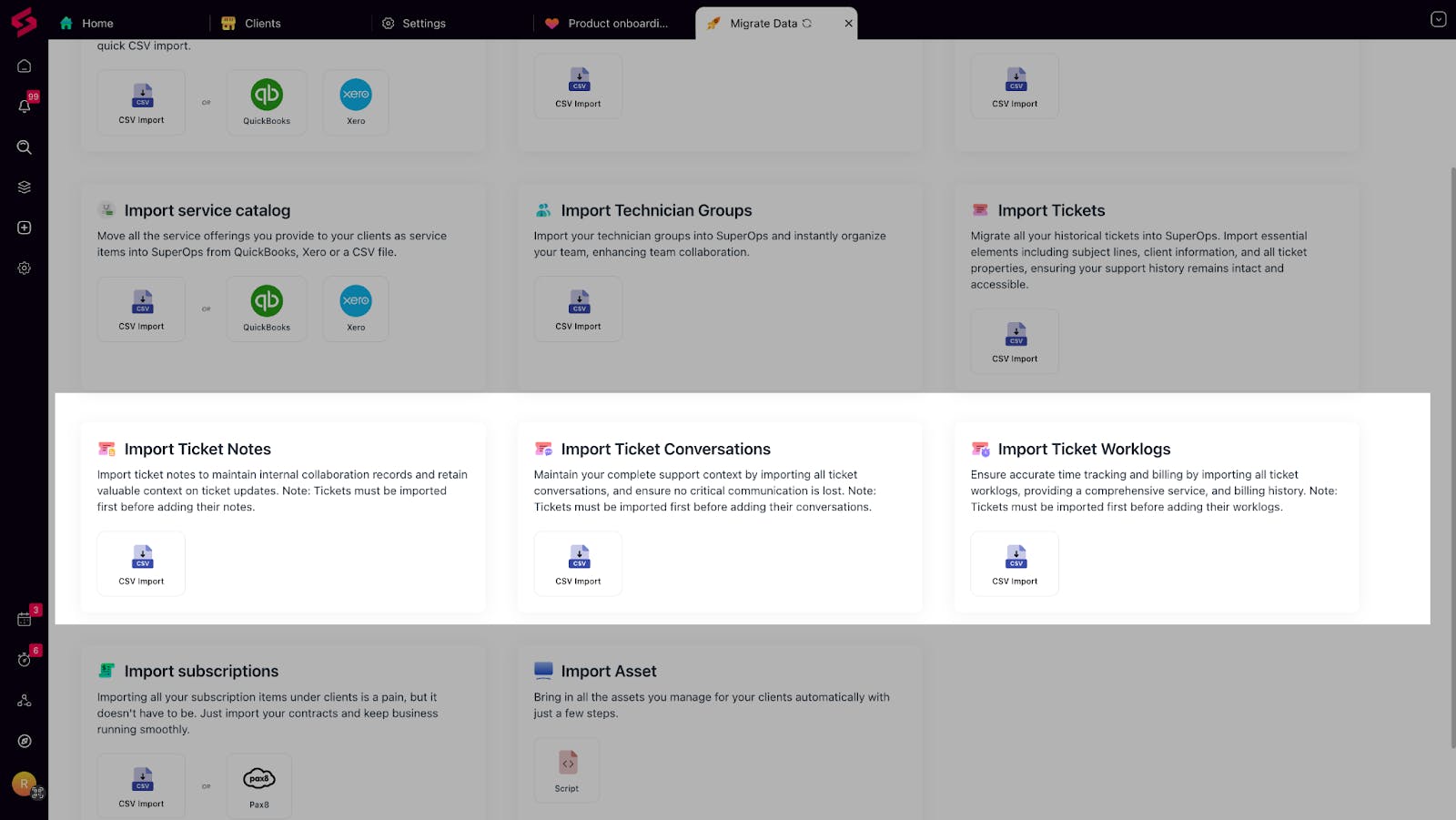
Ticket Migration via CSV: Bring over historical tickets, conversations, and worklogs from other tools into SuperOps using a simple, guided CSV import. No more starting from scratch or losing past context.
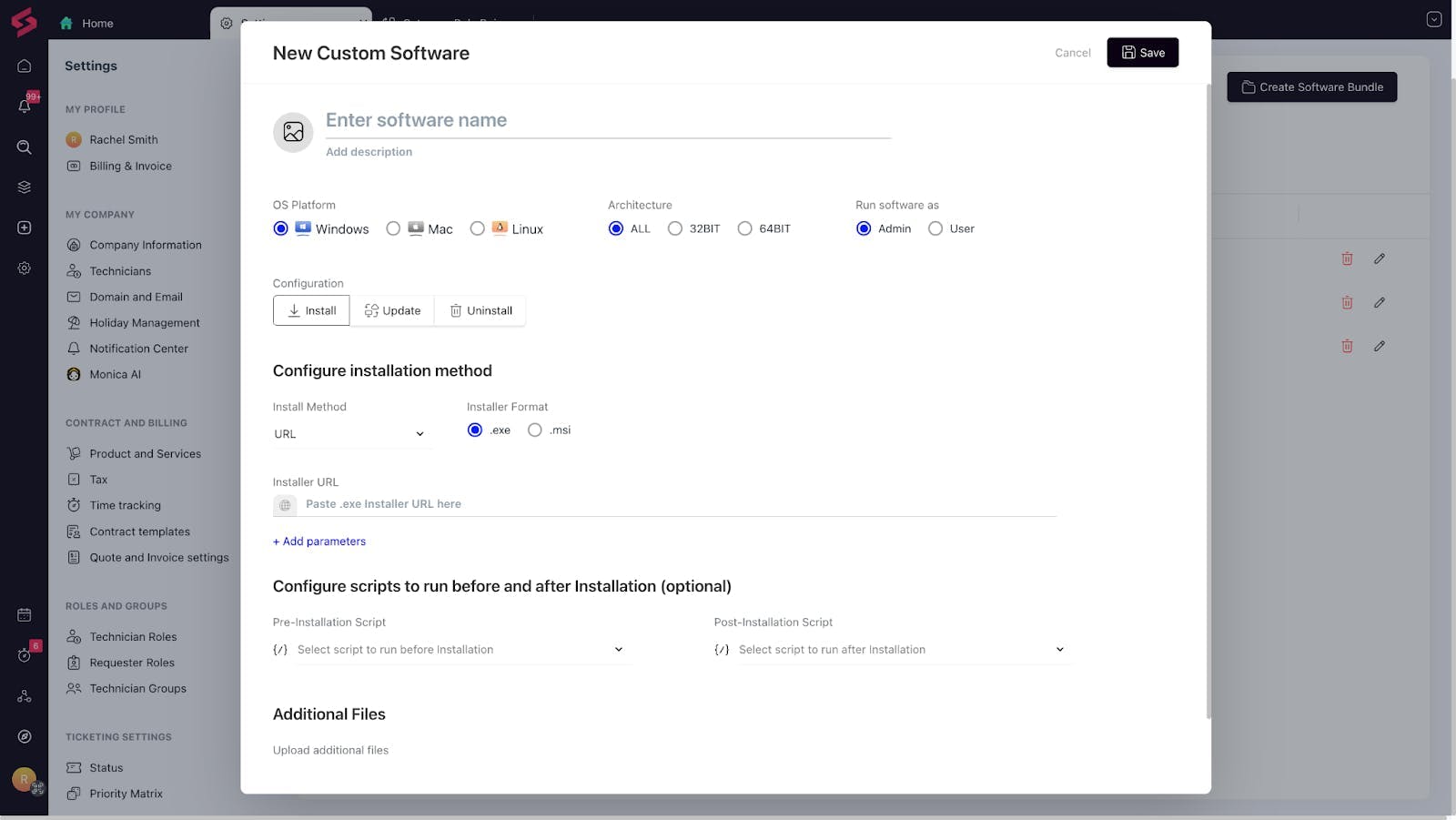
Custom Software Repository: Need to host and deploy internal software? You’ll now be able to upload packages (up to 100 MB) and push them out from right within SuperOps.
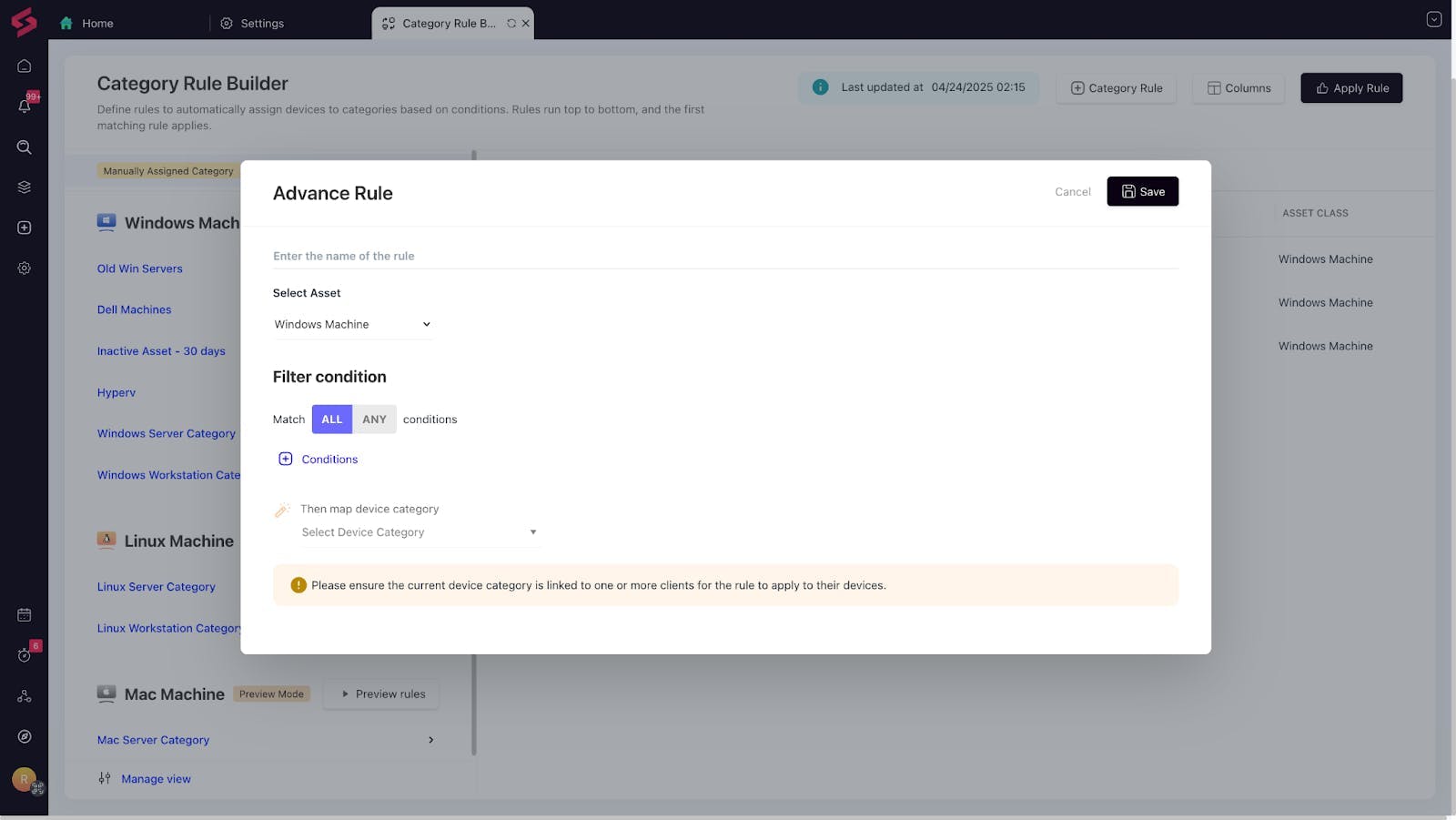
Advanced Policy Rule Engine: Create complex, condition-based rules with a visual policy builder. It’s powerful, flexible, and gives you full control over your configurations.
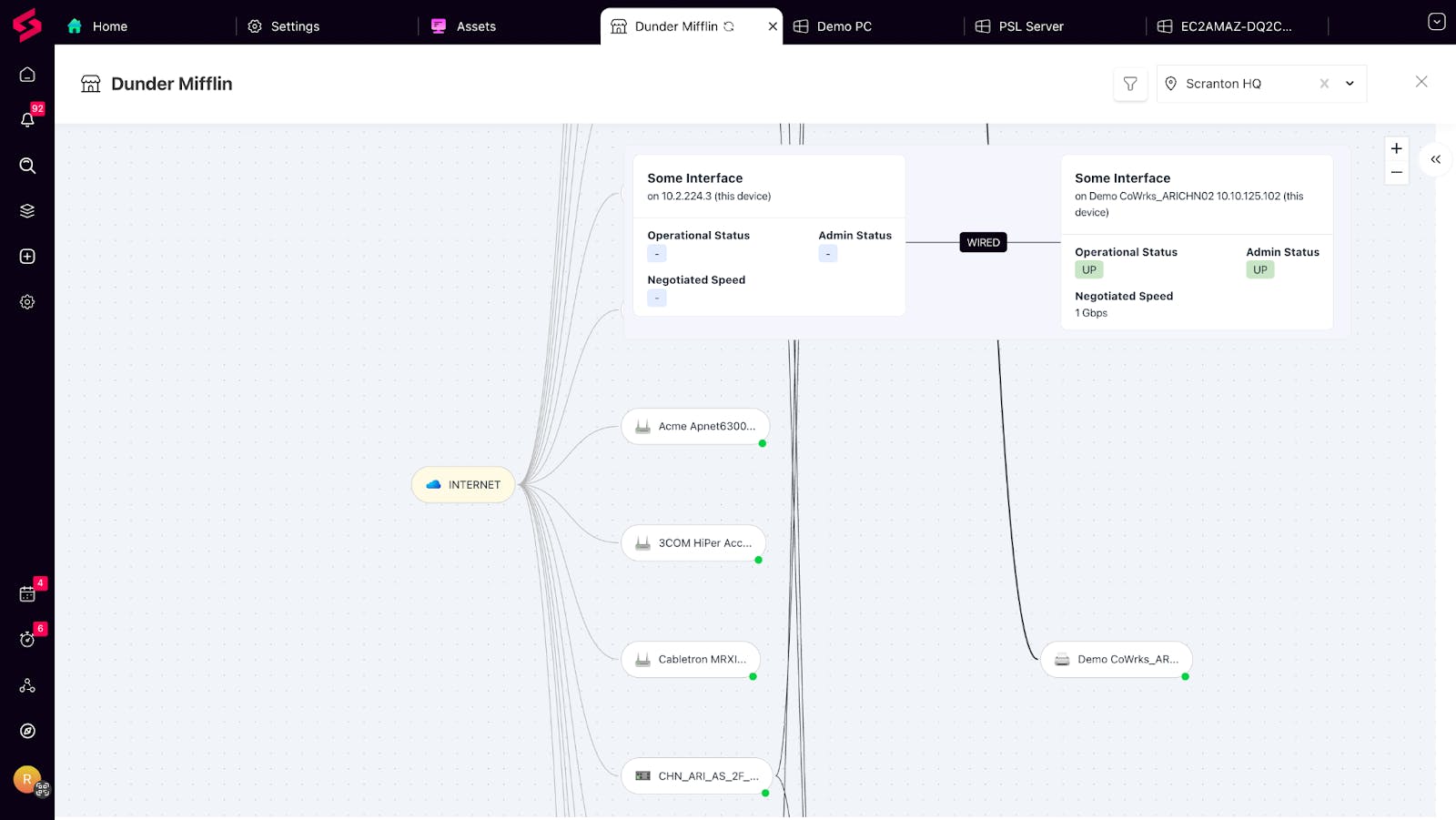
Topology Map: Visualize device relationships across your IT environment. The Topology view maps connections and dependencies between assets, helping you spot issues, plan changes, and troubleshoot faster.
📌 Want early access? Drop a comment below, and we’ll enable these features for you.