

What’s SuperNew:
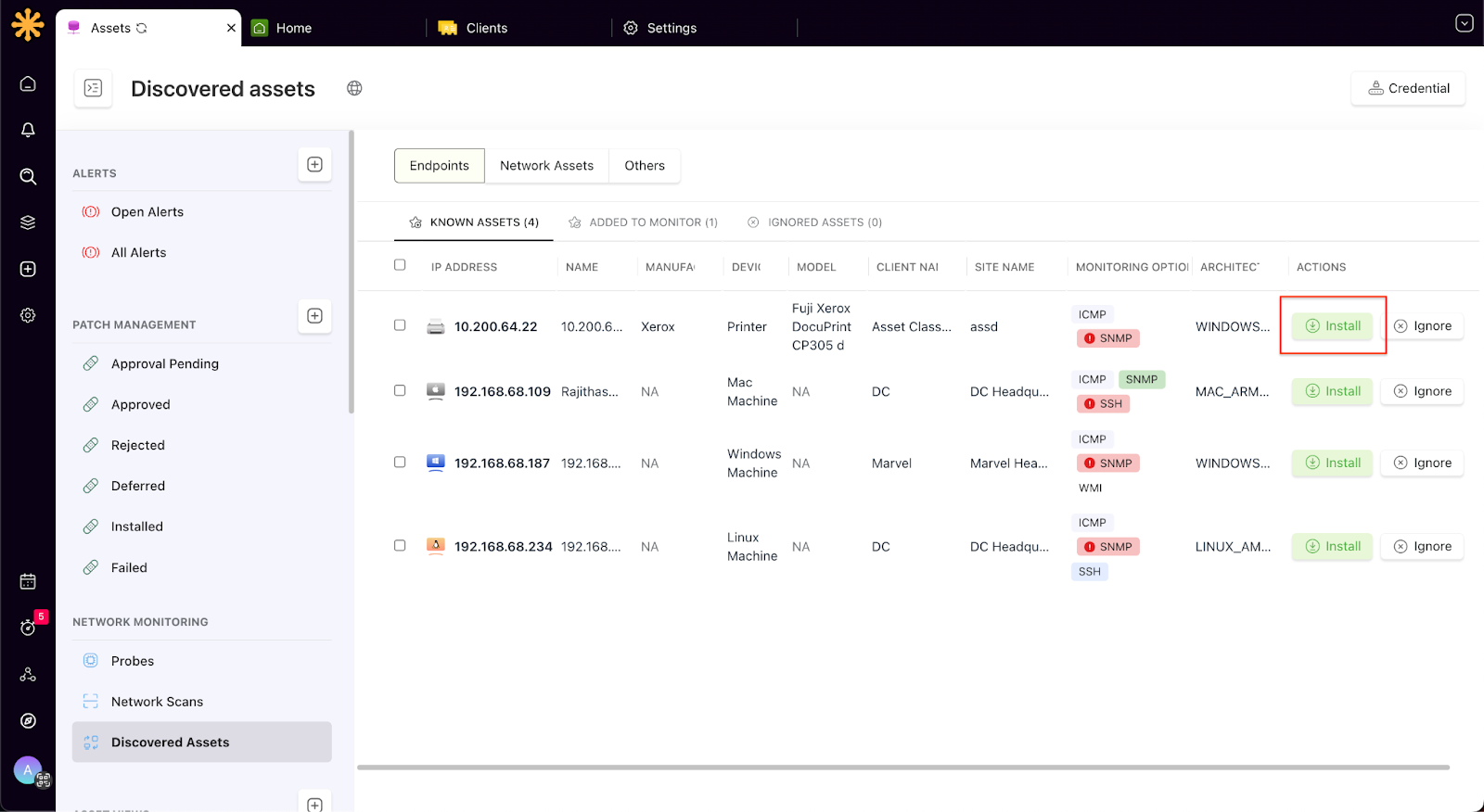
Network Discovery [Early Access]: Scan a network on demand and discover all connected endpoints and network devices. With a single click, instantly onboard the assets you want to manage by installing the SuperOps agent.
Note: If you would like to use network discovery, please reach out to us and we will enable it for your account.
👉 Check out the article for more information
Chat: We’re thrilled to announce the launch of our new chat feature! Technicians can now have real-time conversations with requesters straight from tickets, assets, or alerts.
👉 Check out this article for more information.
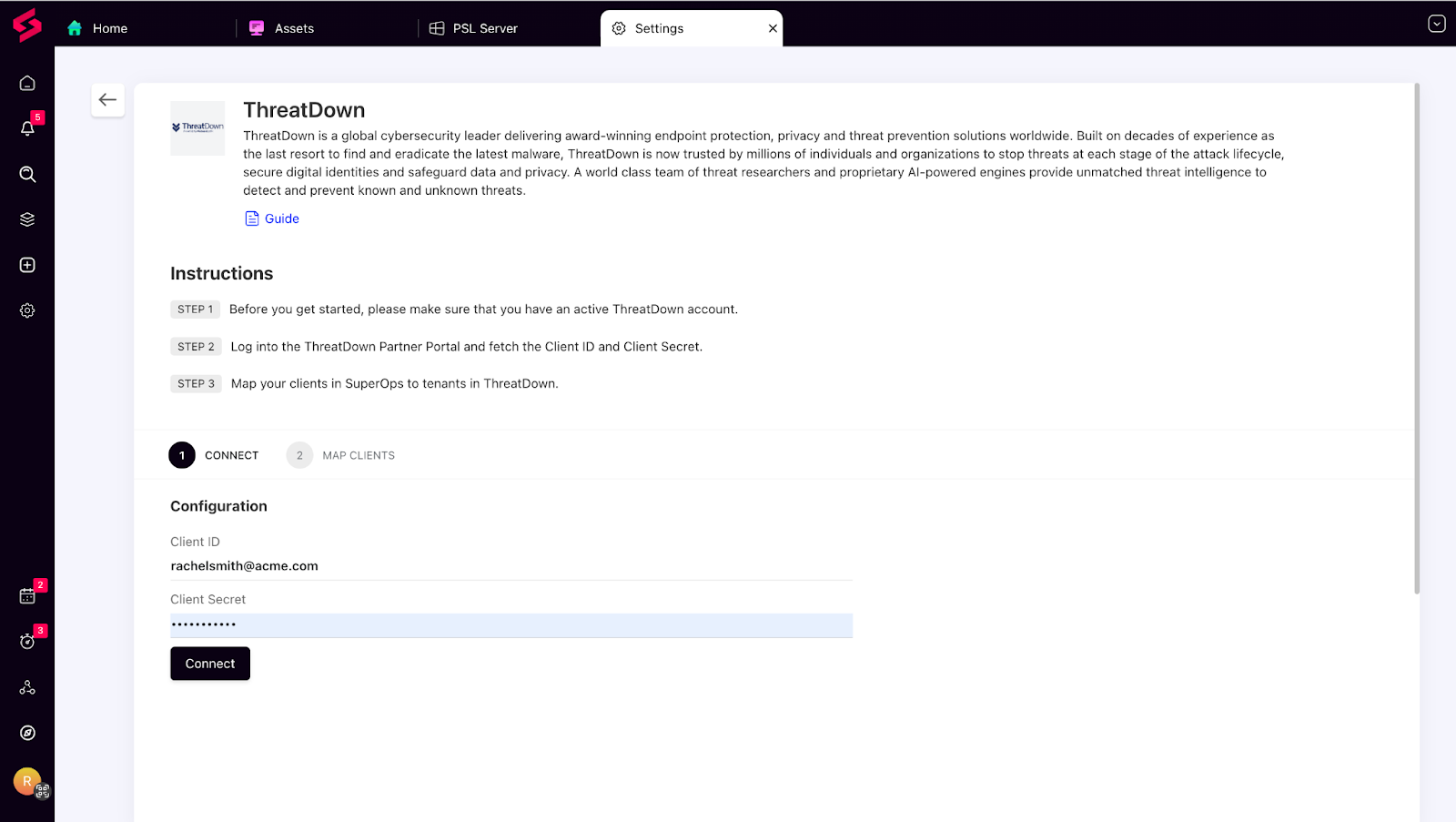
ThreatDown Integration: SuperOps now integrates with ThreatDown (powered by Malwarebytes) - a global cybersecurity leader delivering award-winning endpoint protection, privacy, and threat prevention solutions worldwide.
👉 Check out this article for more information.
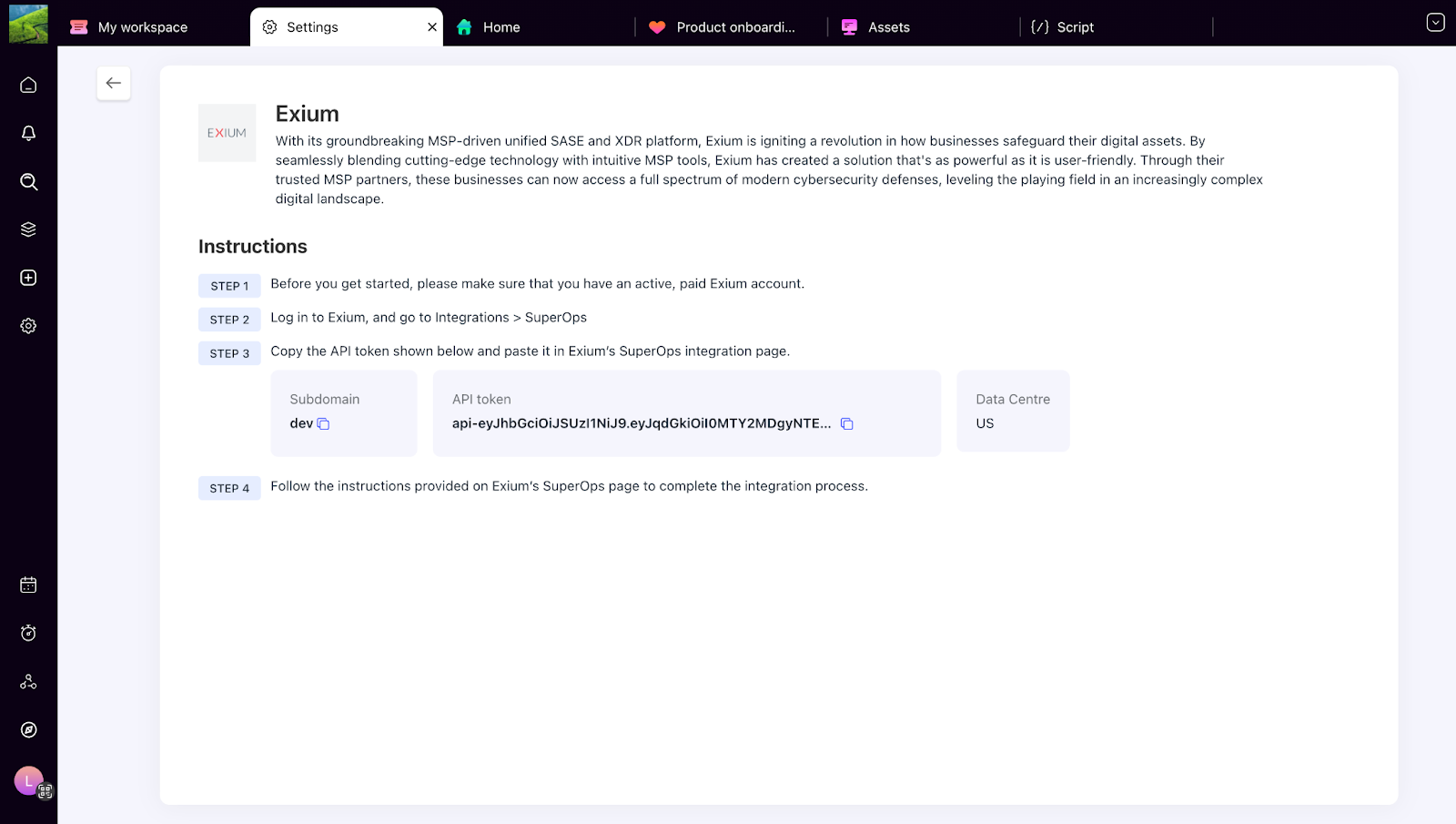
Exium Integration: Say hello to Exium! Our latest integration helps you deliver superior cybersecurity services to your clients by simplifying workspace management, accelerating incident resolution, and improving overall security posture.
👉 Check out this article for more information.
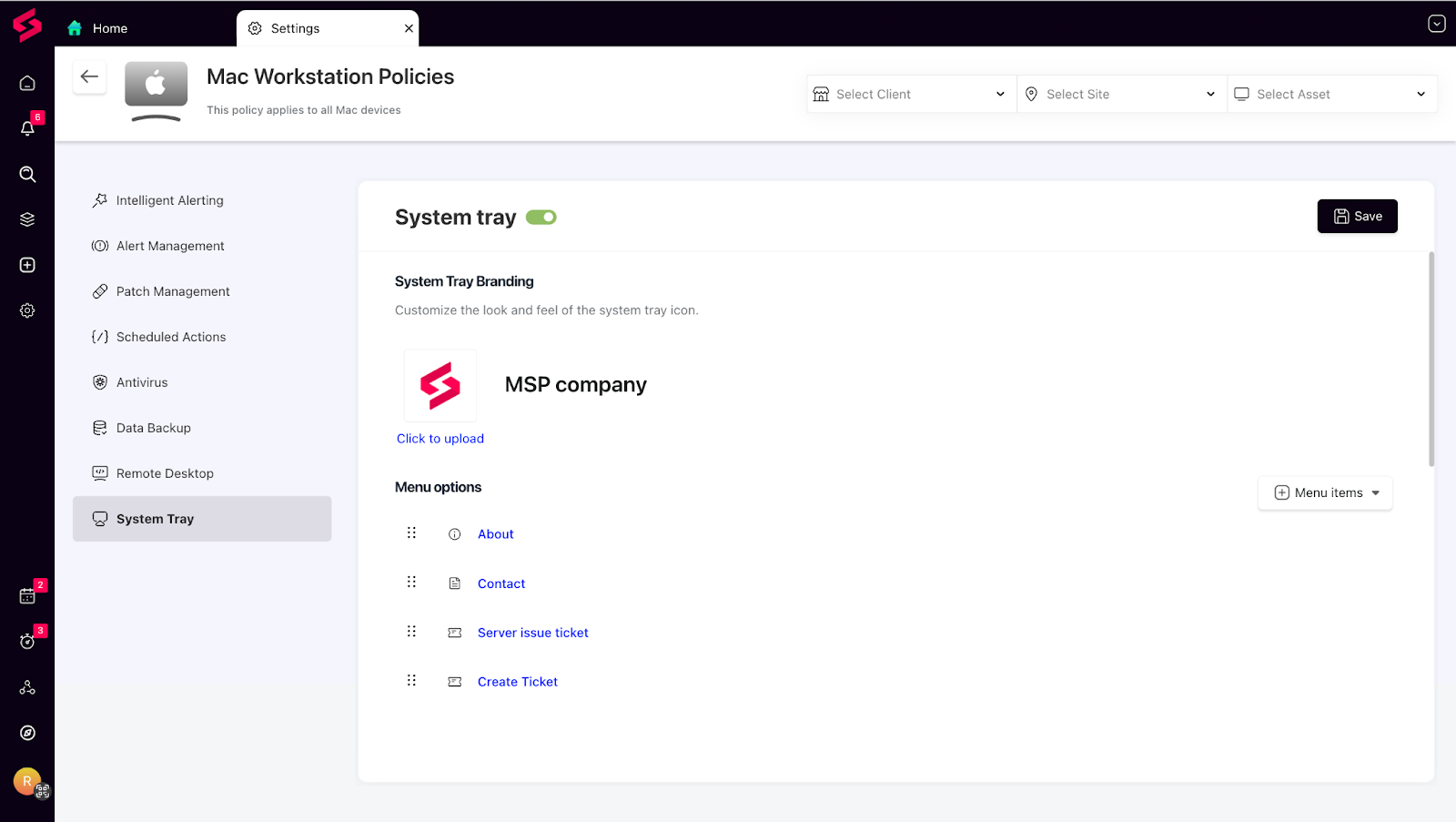
System Tray Settings Under Policies: You can now configure system tray settings at the policy level! Previously, system tray settings were global— now, you customize the actions displayed on the tray icon for each client specifically.
👉 Check out this article for more information.
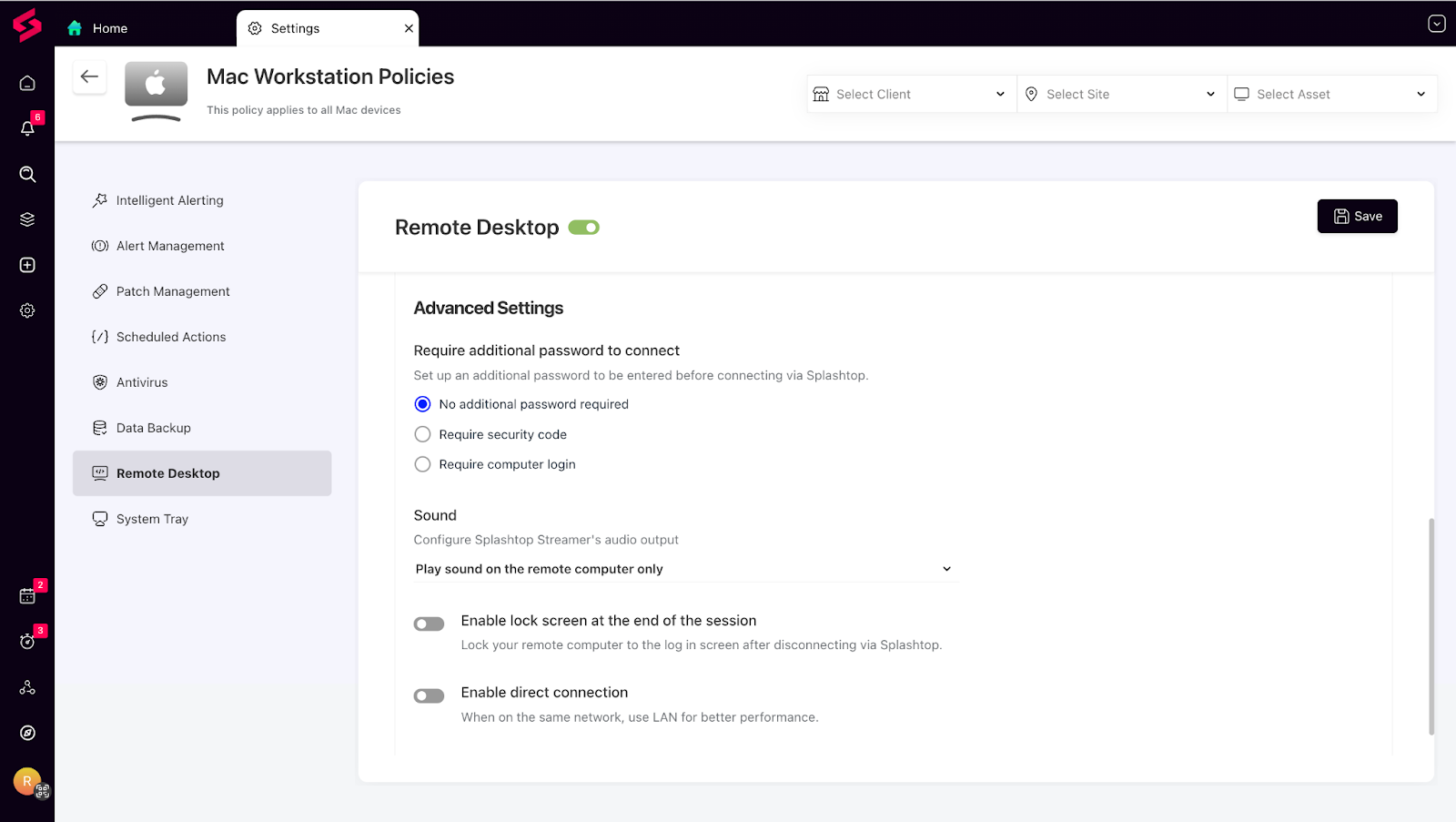
Advanced Splashtop Configurations: We’ve added six new Splashtop Streamer settings that can be configured at the policy level, letting you fine-tune remote access configurations to suit each client’s requirements.
👉Check out this article for more information

Things we've improved:
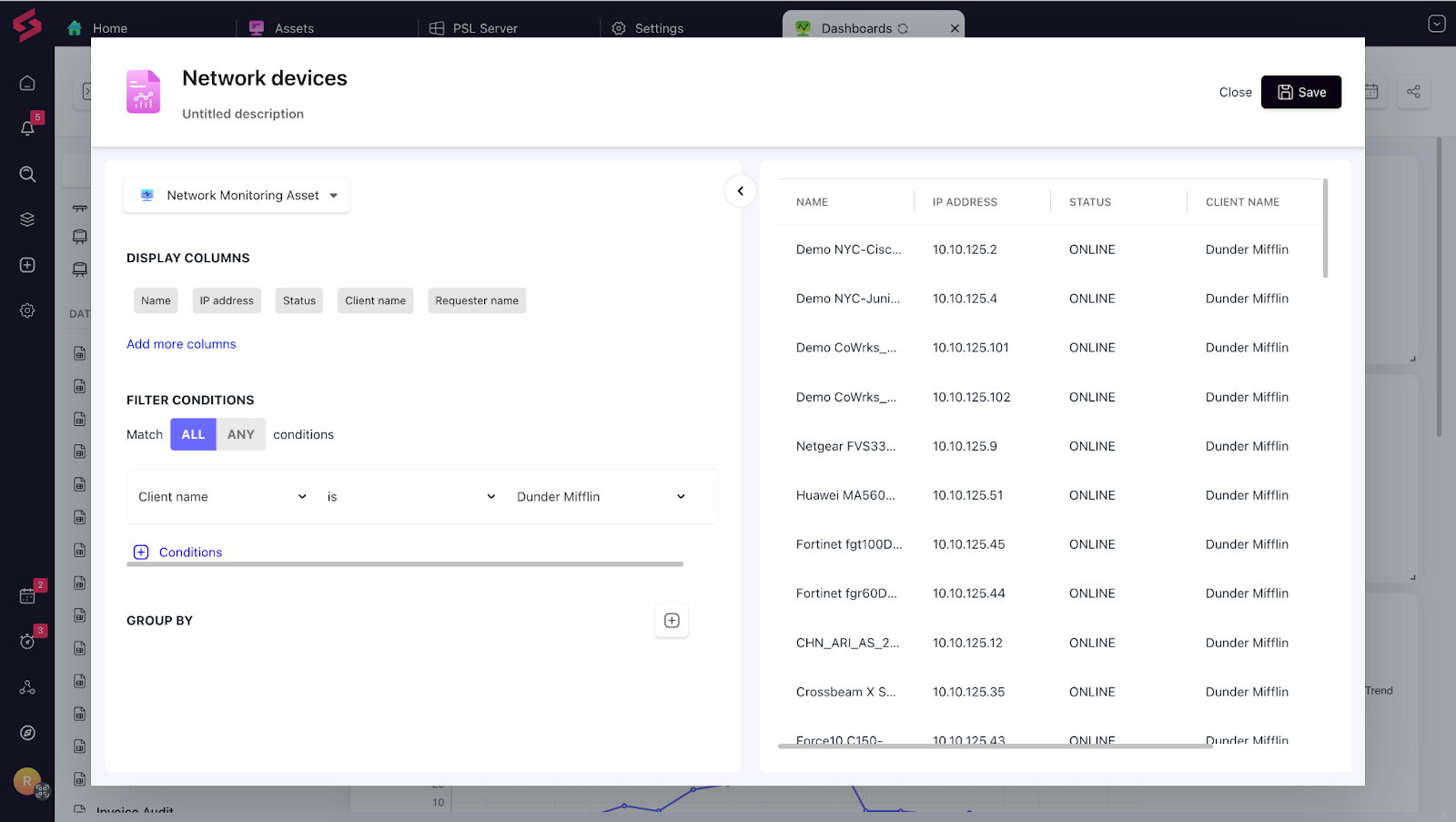
Reports for Network Devices: You can now create detailed data reports and widgets for network assets to improve visibility, monitor performance, and troubleshoot proactively.
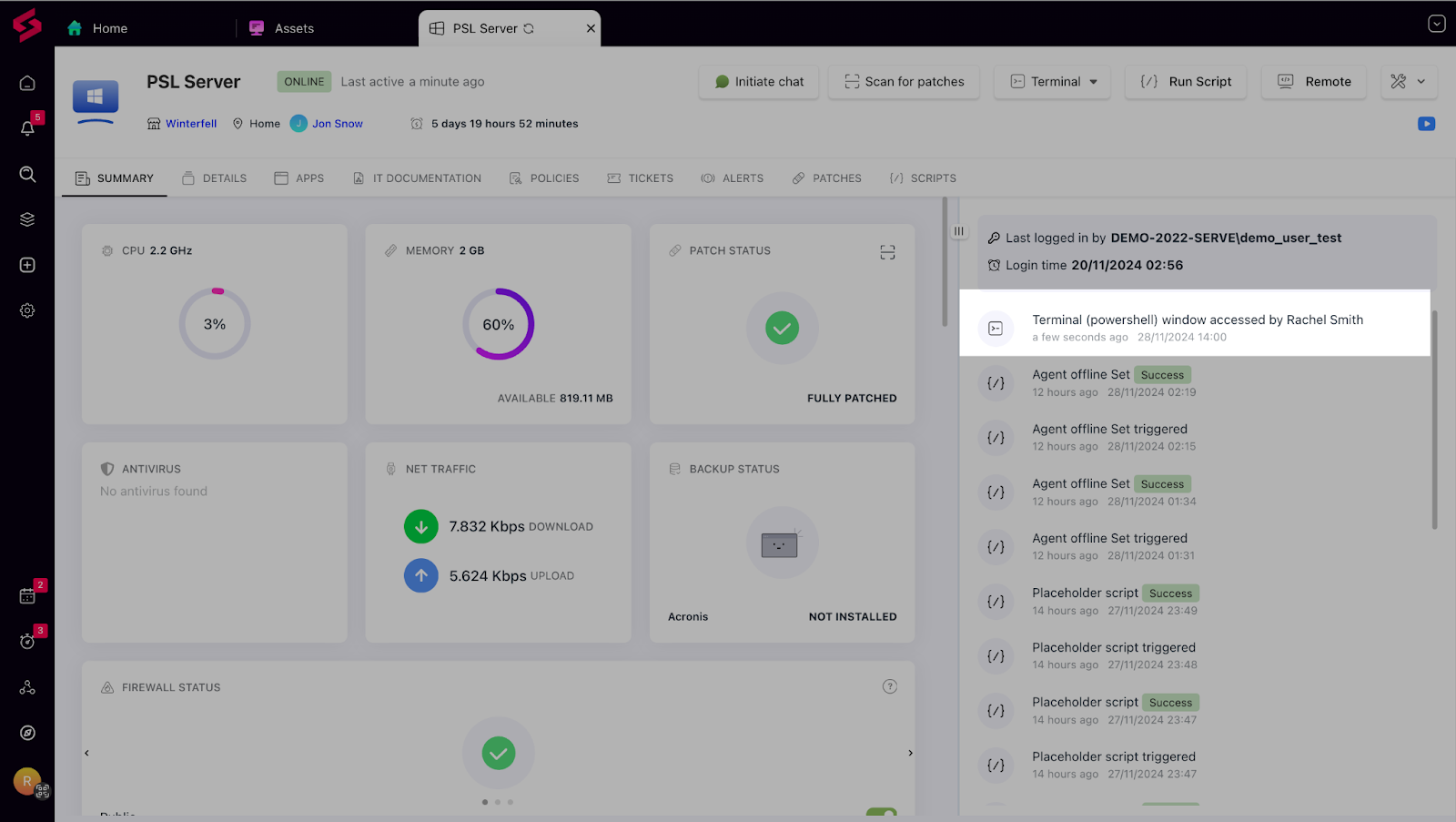
Terminal Access Logs: Every time a terminal session is accessed, it’s now logged in the asset history. This added visibility keeps your workflows transparent and secure.
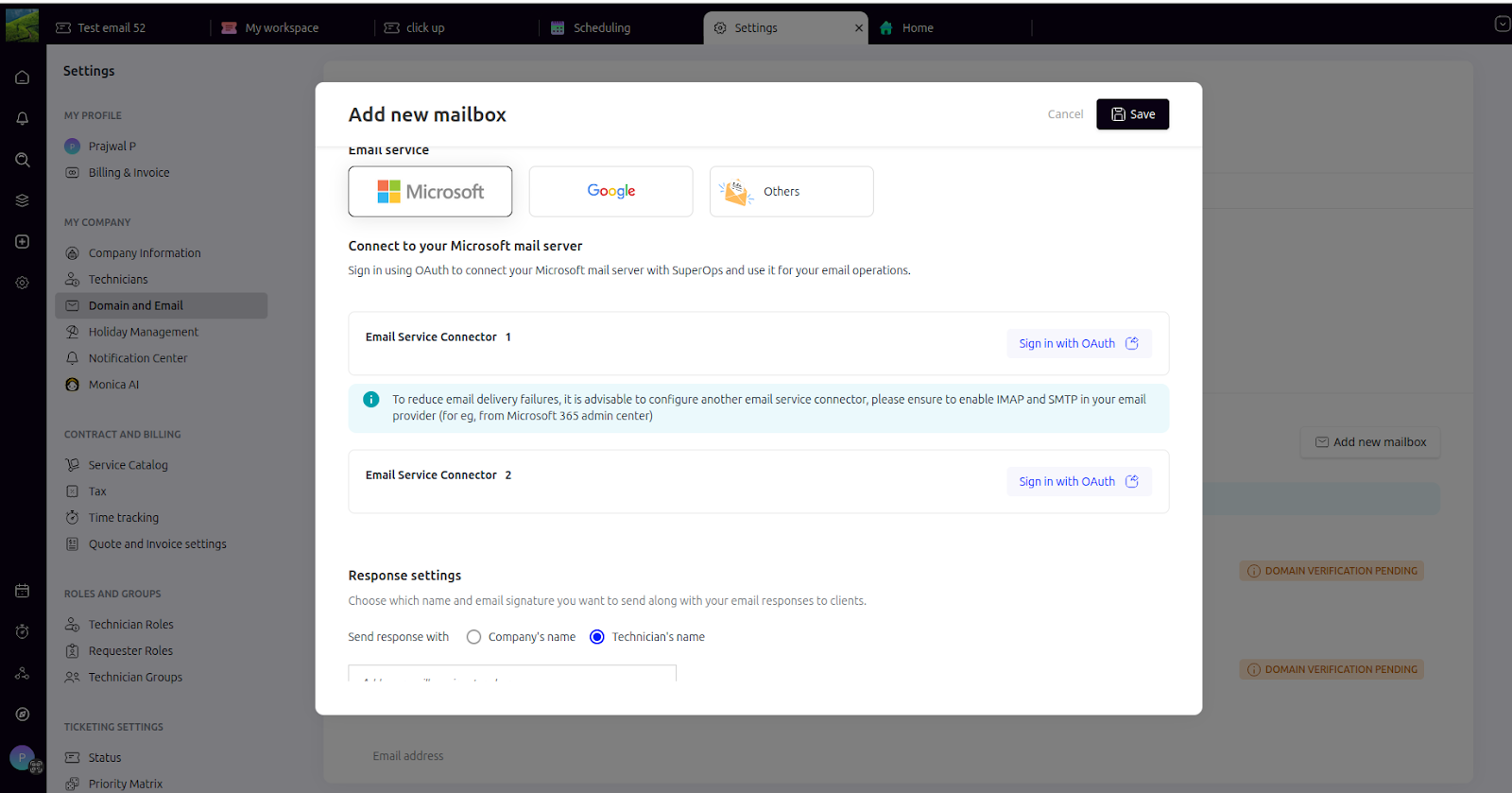
Backup Email Providers: We’ve added support for multiple email providers in your mailboxes. If one provider fails, another ensures email continuity without a hitch.
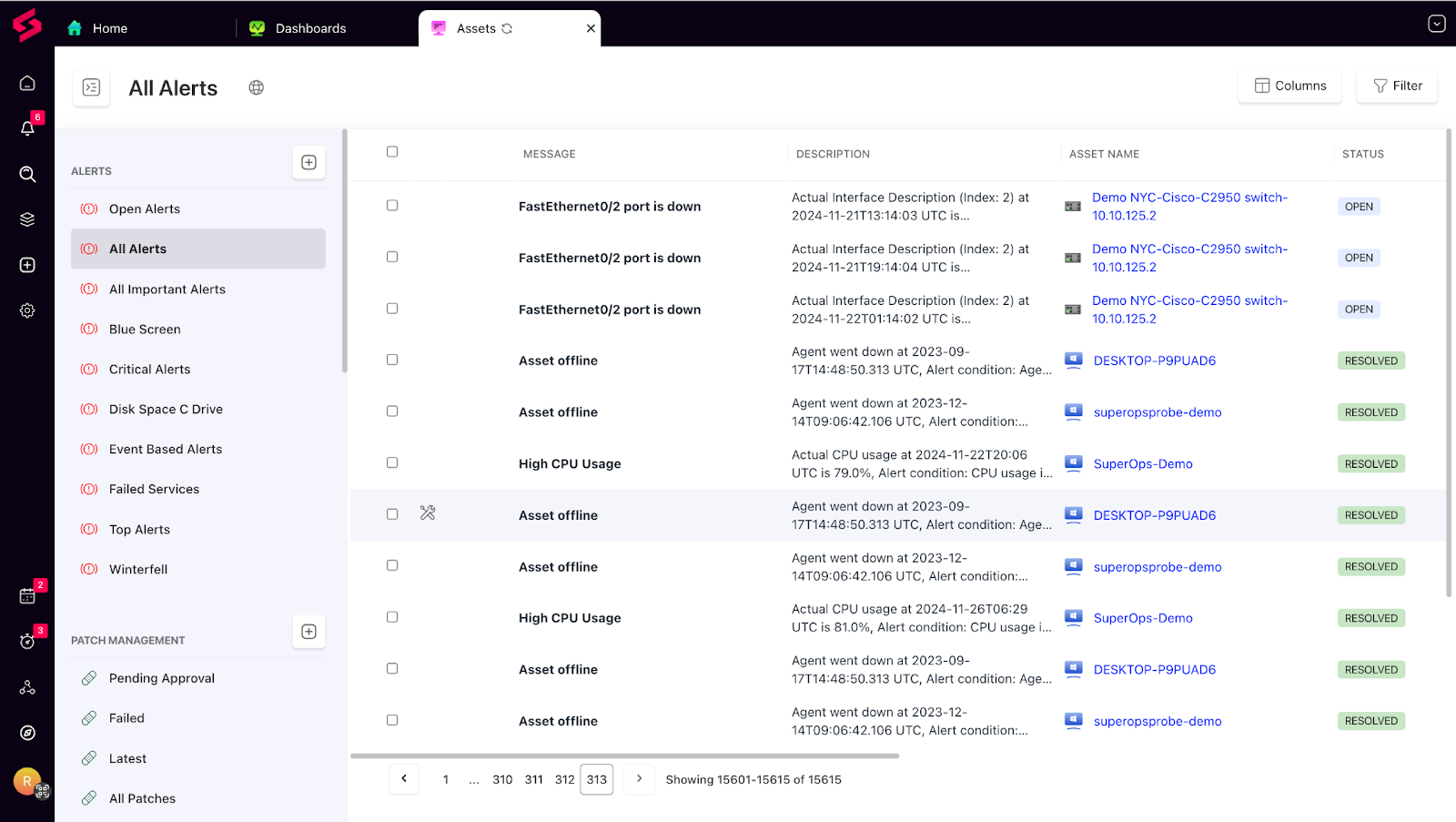
Alert Descriptions: A new description column in the alert list lets you view full details at a glance, making it easier to assess and act on alerts.
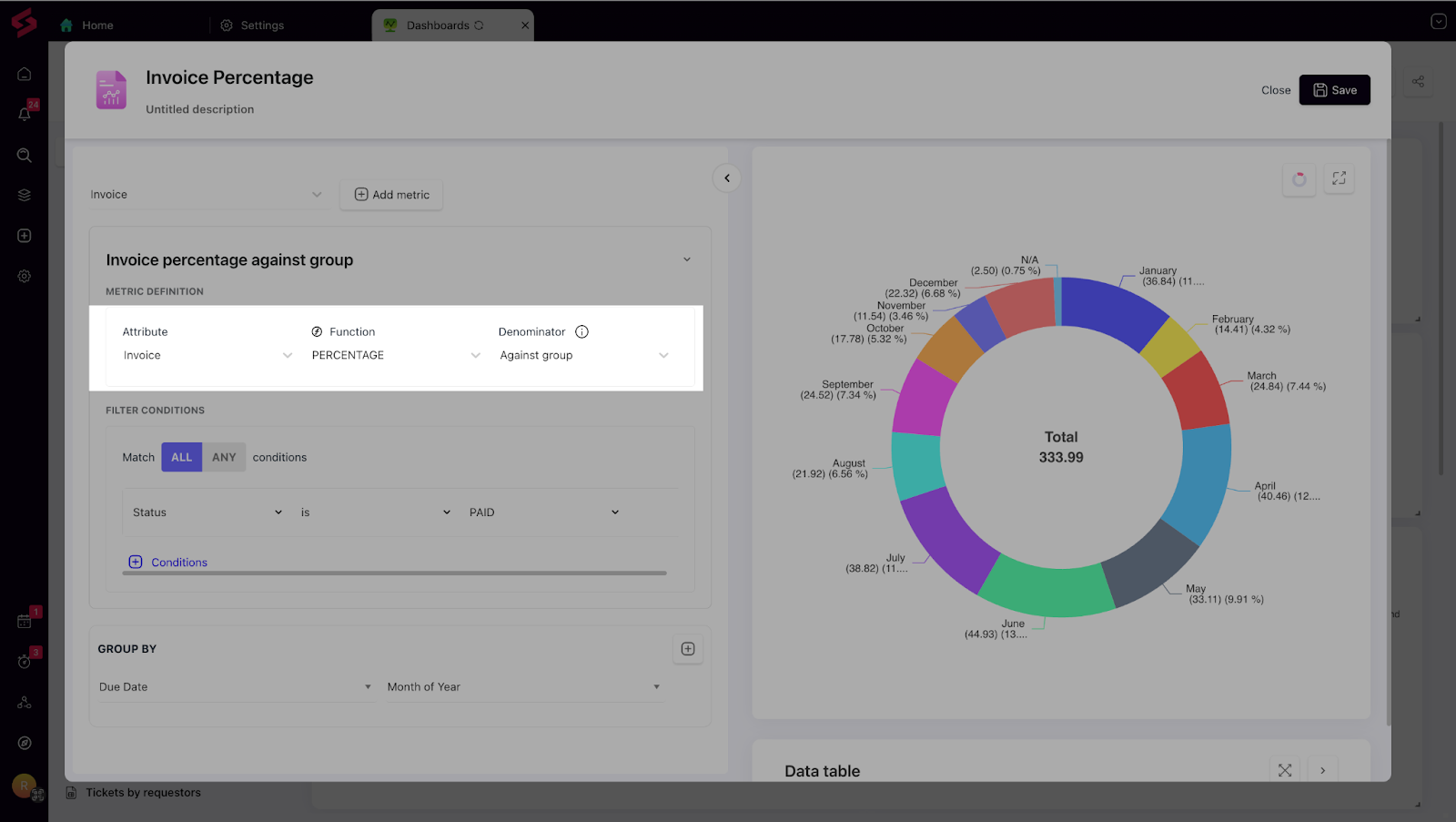
Report Enhancements: Introducing the “Denominator” functionality in the percentage calculation widget! Now, you can toggle between two calculation methods:
Against Group: Calculates percentages for each group (e.g., client/site) individually. Example: Grouping invoices by client shows the percentage of paid invoices for each client independently, helping assess payment performance per client.
Against Filter: Calculates percentages across all records meeting the filter. Example: Filtering paid invoices and grouping by client shows the percentage of each client’s total invoices that are paid, giving a holistic view of their contribution.
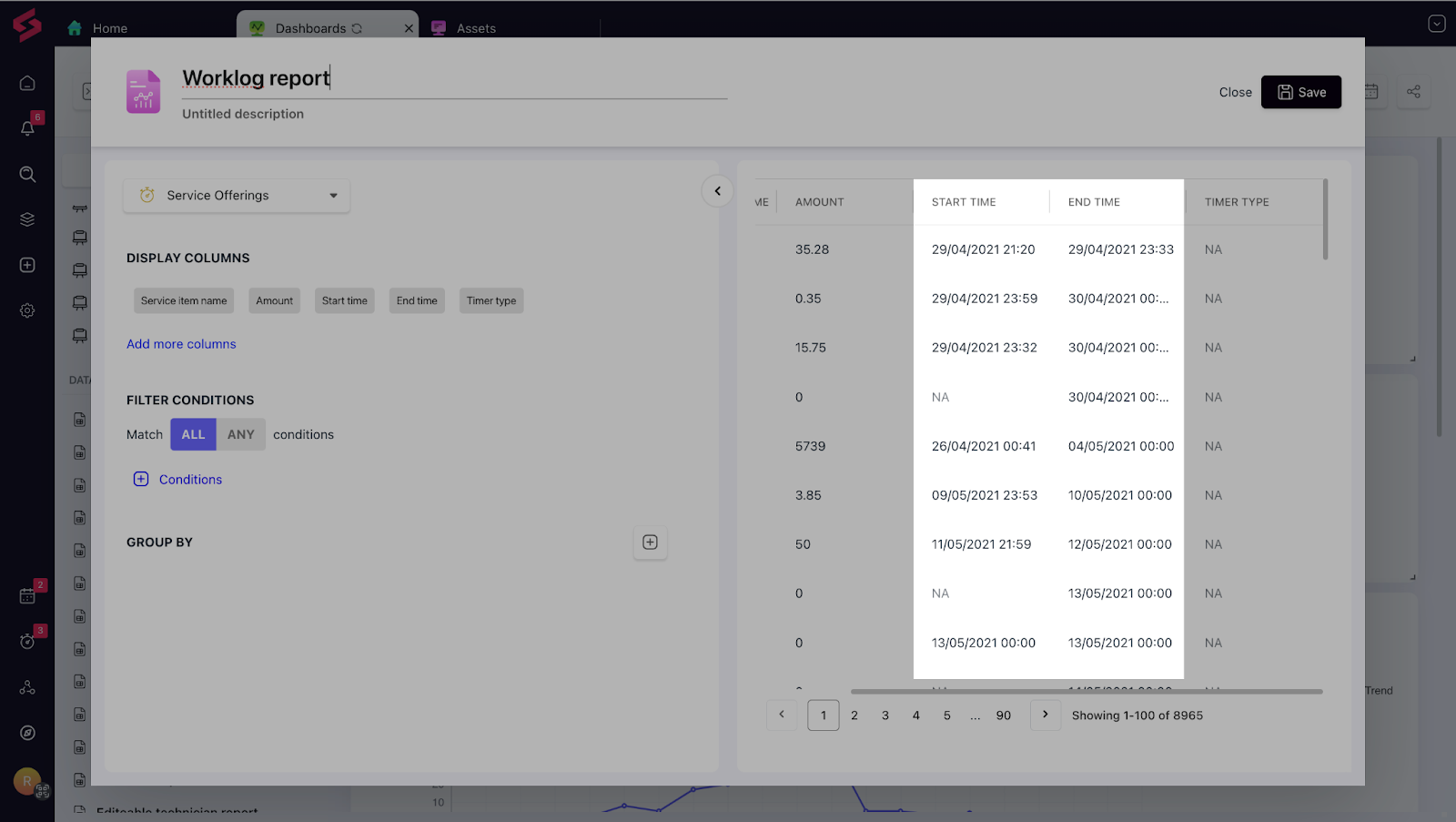
Worklog Start and End Times: You can now bring up start and end times for worklogs through our reporting framework, giving you more granular visibility into task durations.